Dotori Bluetooth Keyboard
com.droidactor.bt_keyboard
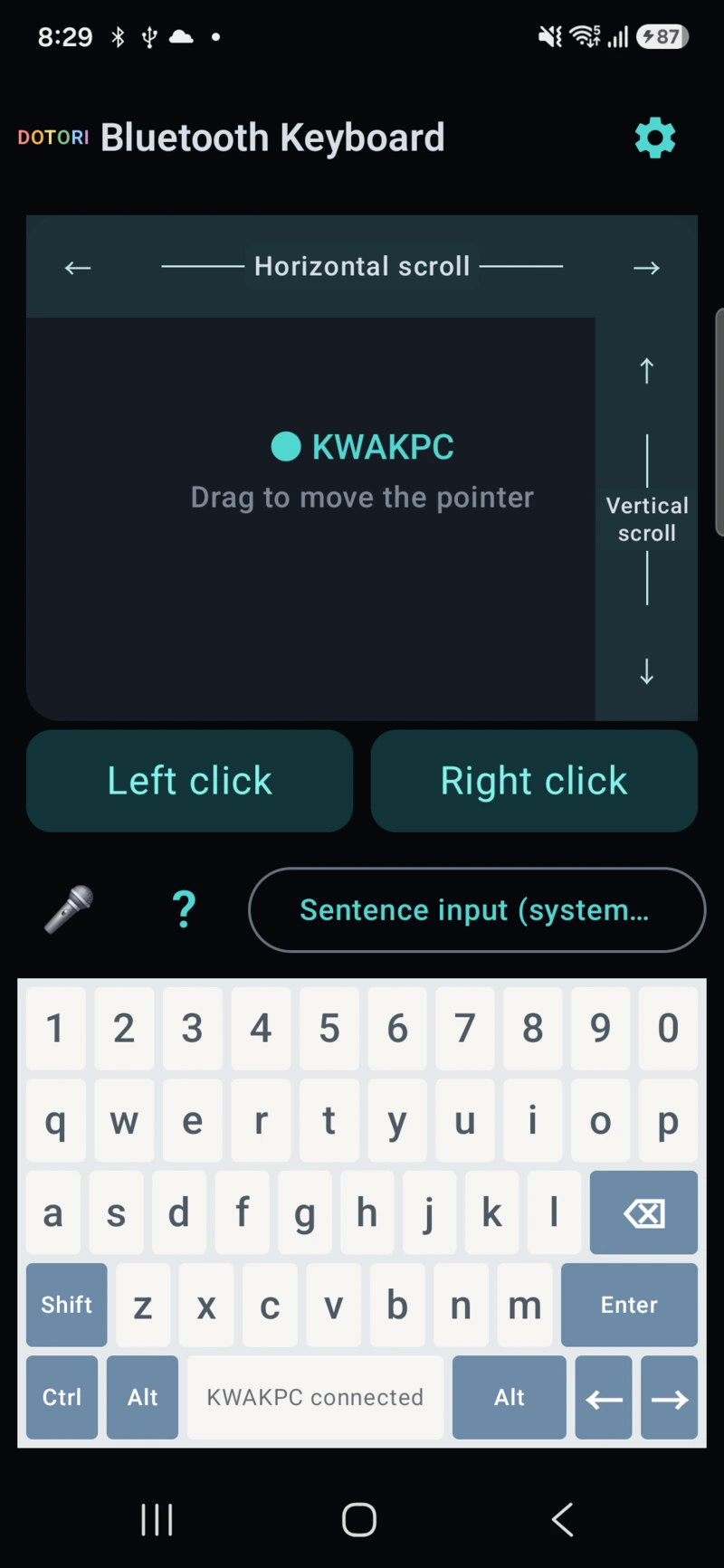
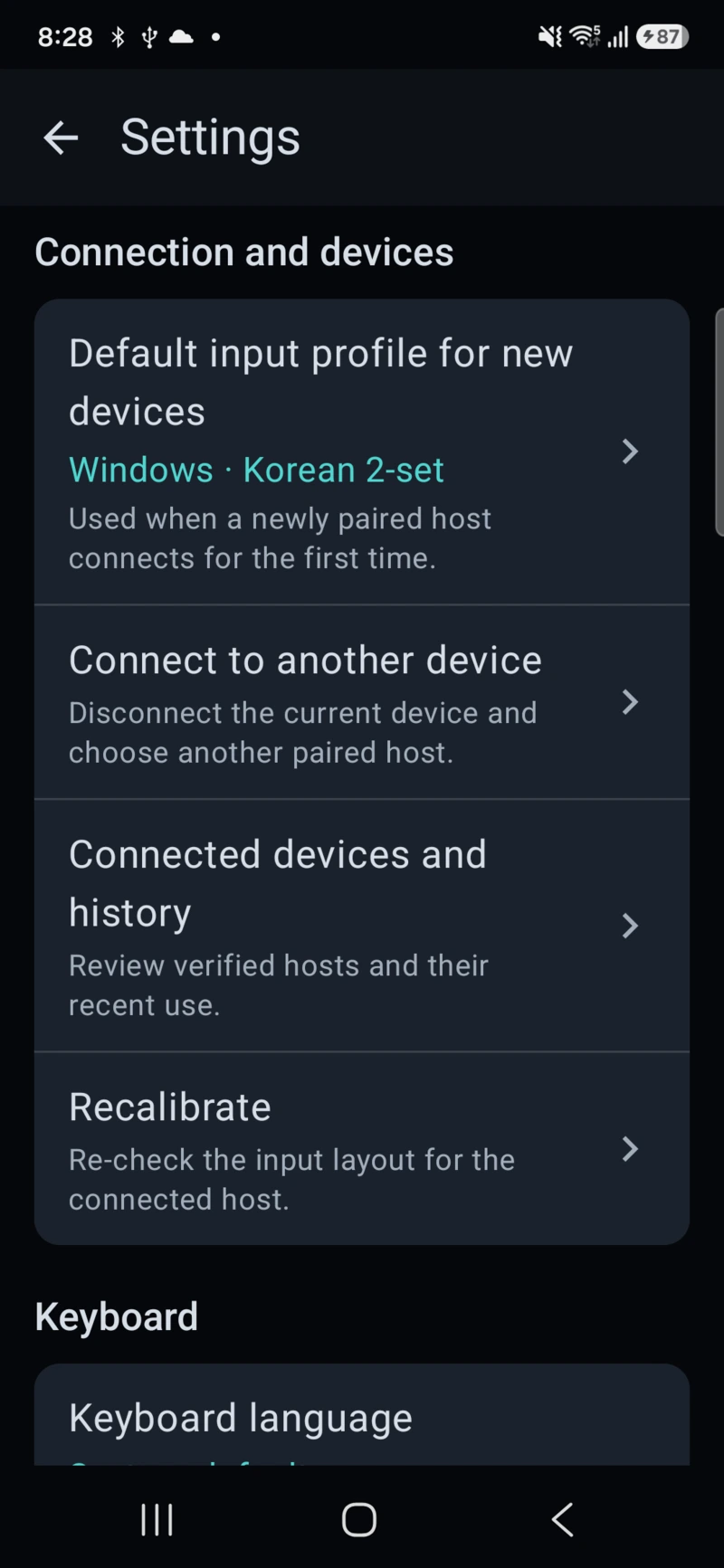
Use a phone as a Bluetooth HID keyboard and trackpad for a PC, TV, or tablet.
Fourteen small tools, each built around one focused job. Open a product page for requirements, privacy, support, and store status.
Seven apps also have a step-by-step manual, six of those engineering notes as well. Receipt Scanner, Business Card Scanner and ID Photo Maker have engineering notes without a manual. YouTube Downloader, Bluetooth Numpad, Currency Converter and Unit Converter are product pages only. Each screenshot opens that app’s Google Play listing.
com.droidactor.bt_keyboard
Use a phone as a Bluetooth HID keyboard and trackpad for a PC, TV, or tablet.
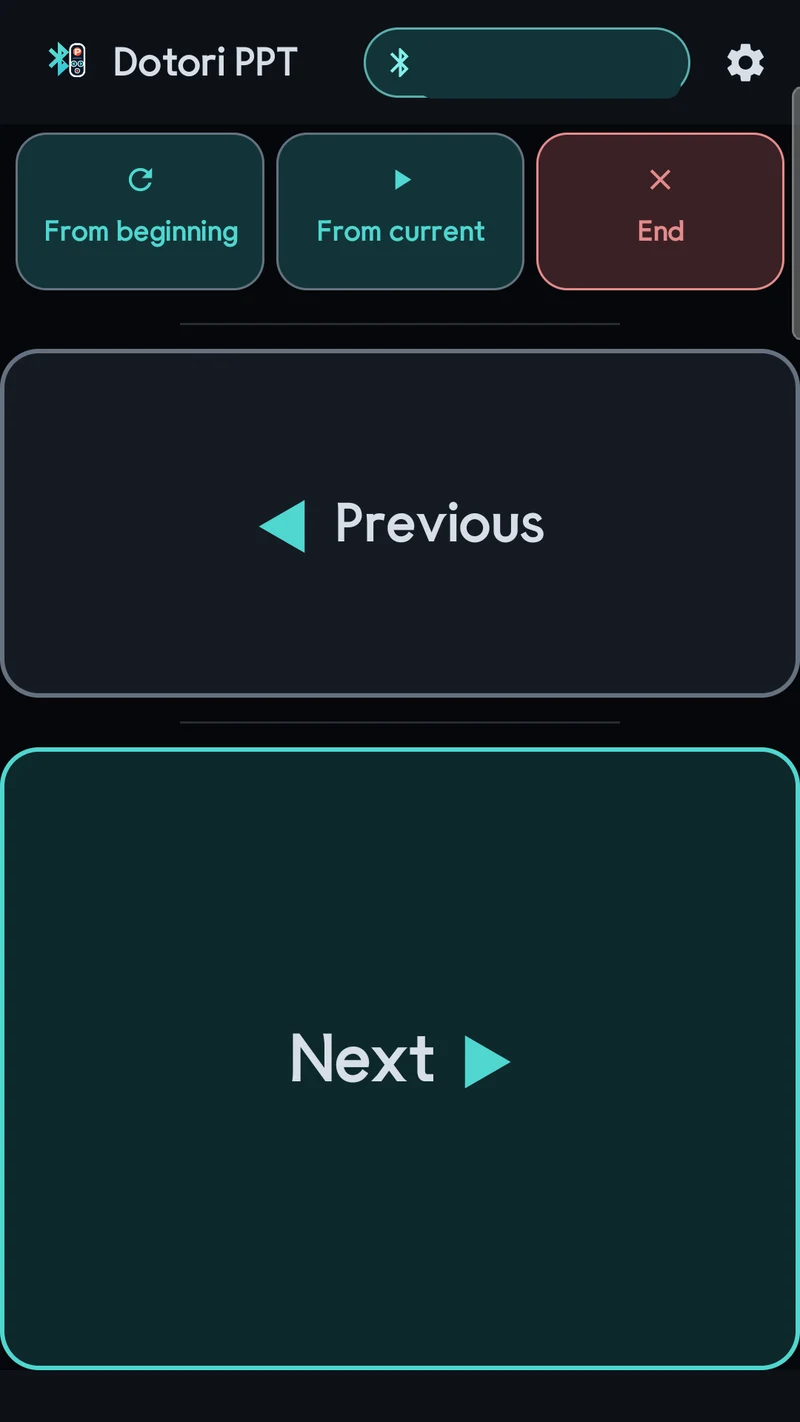
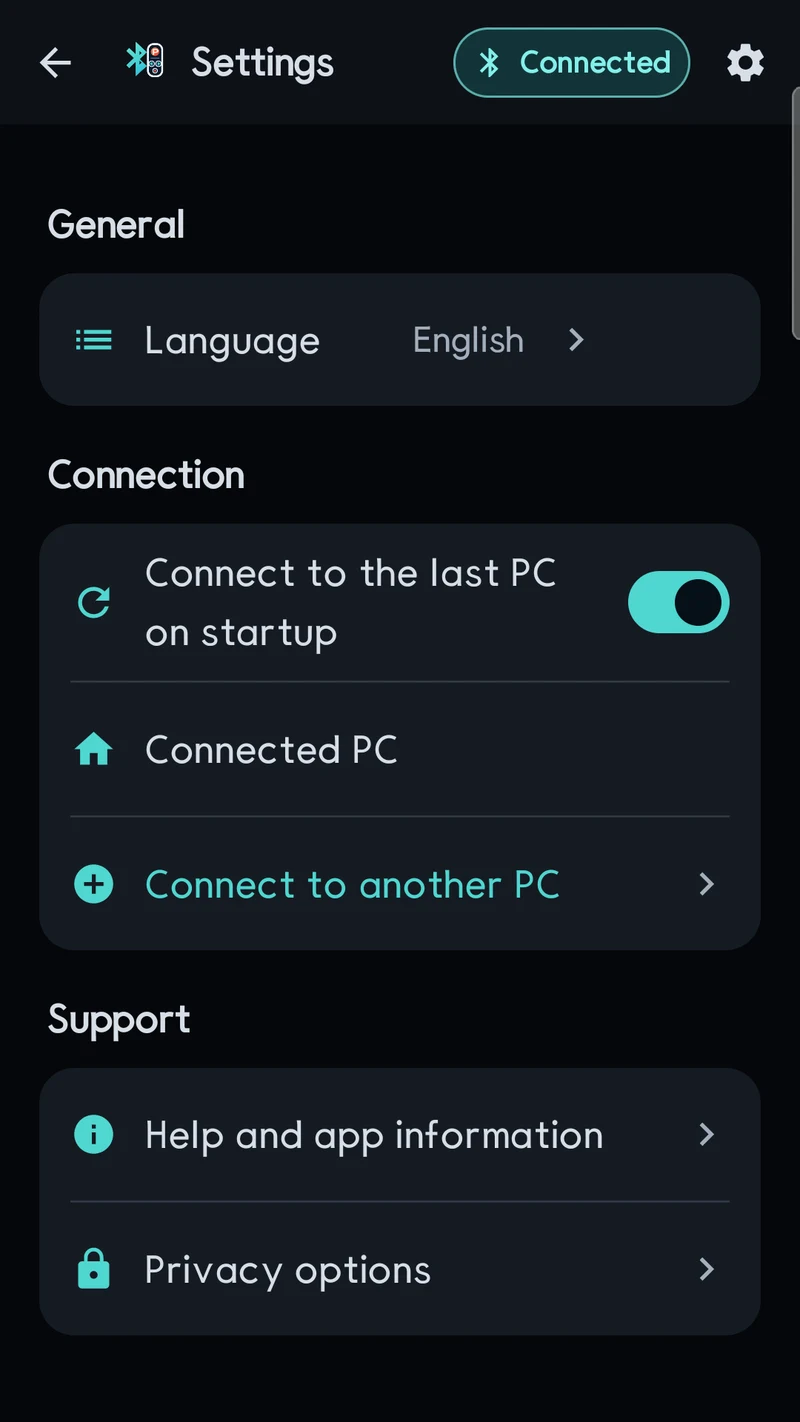
com.droidactor.bt_ppt
Control the five essential PowerPoint slideshow actions over Bluetooth HID.
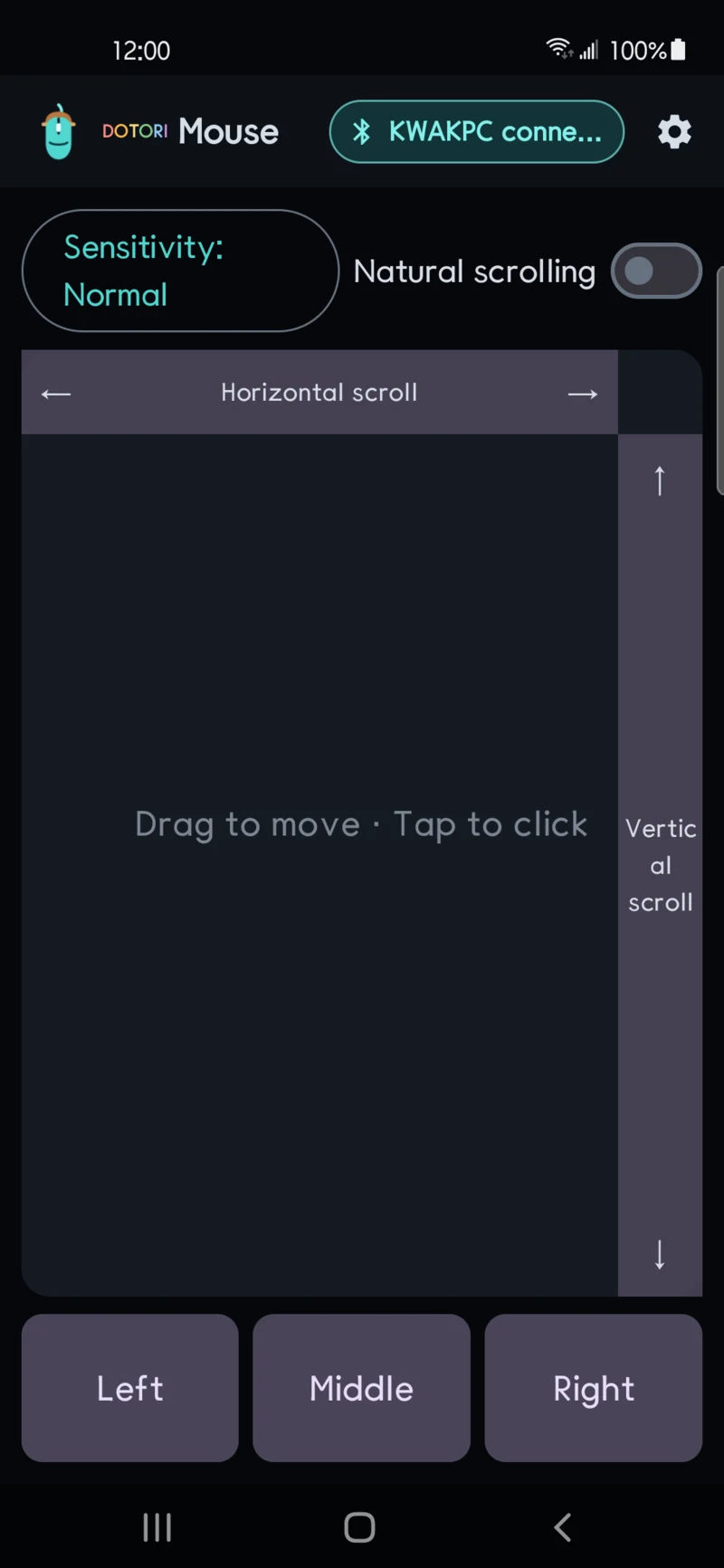
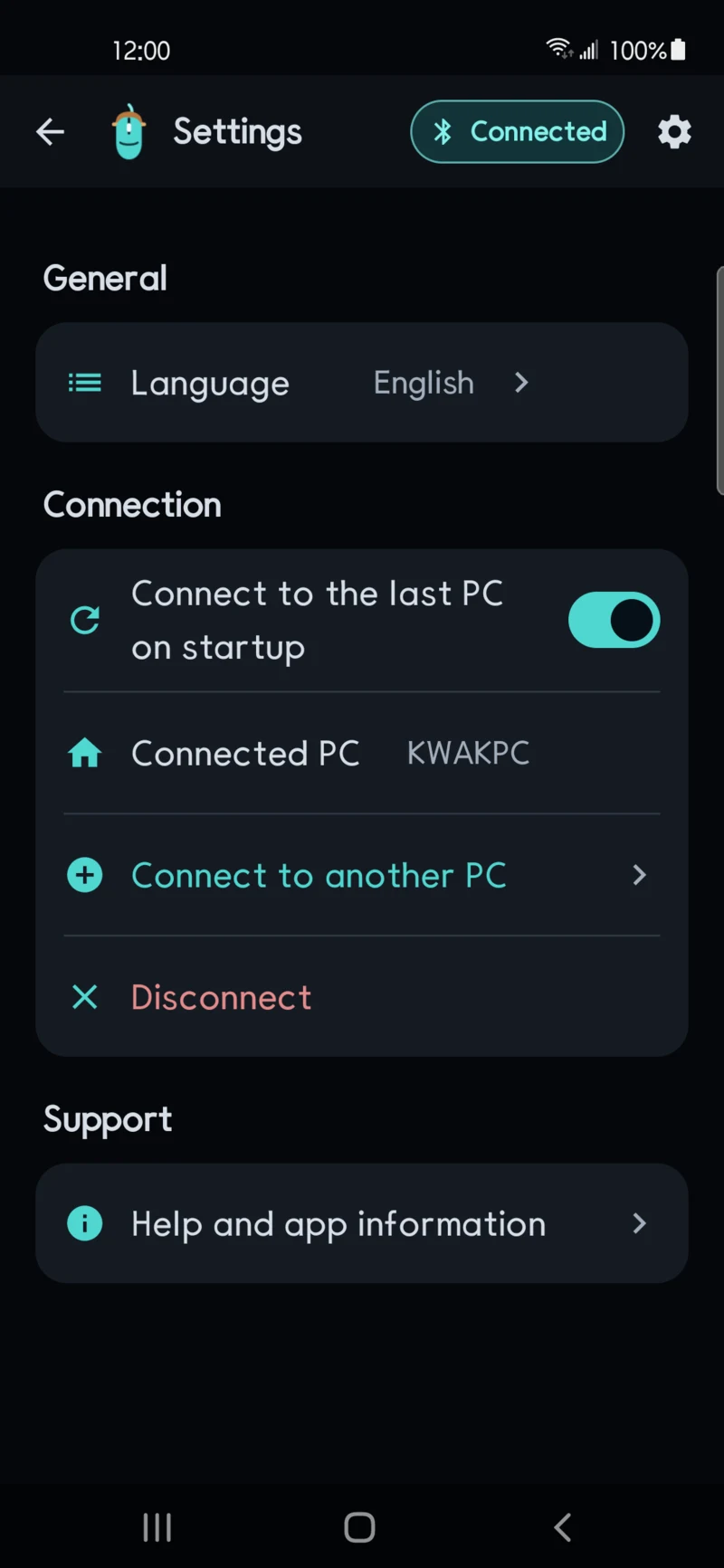
com.droidactor.bt_mouse2
Use a phone as a Bluetooth HID mouse with clicks and two-axis scrolling.
com.droidactor.bt_numpad
Send the 17 keys a tenkeyless keyboard leaves out over Bluetooth HID.
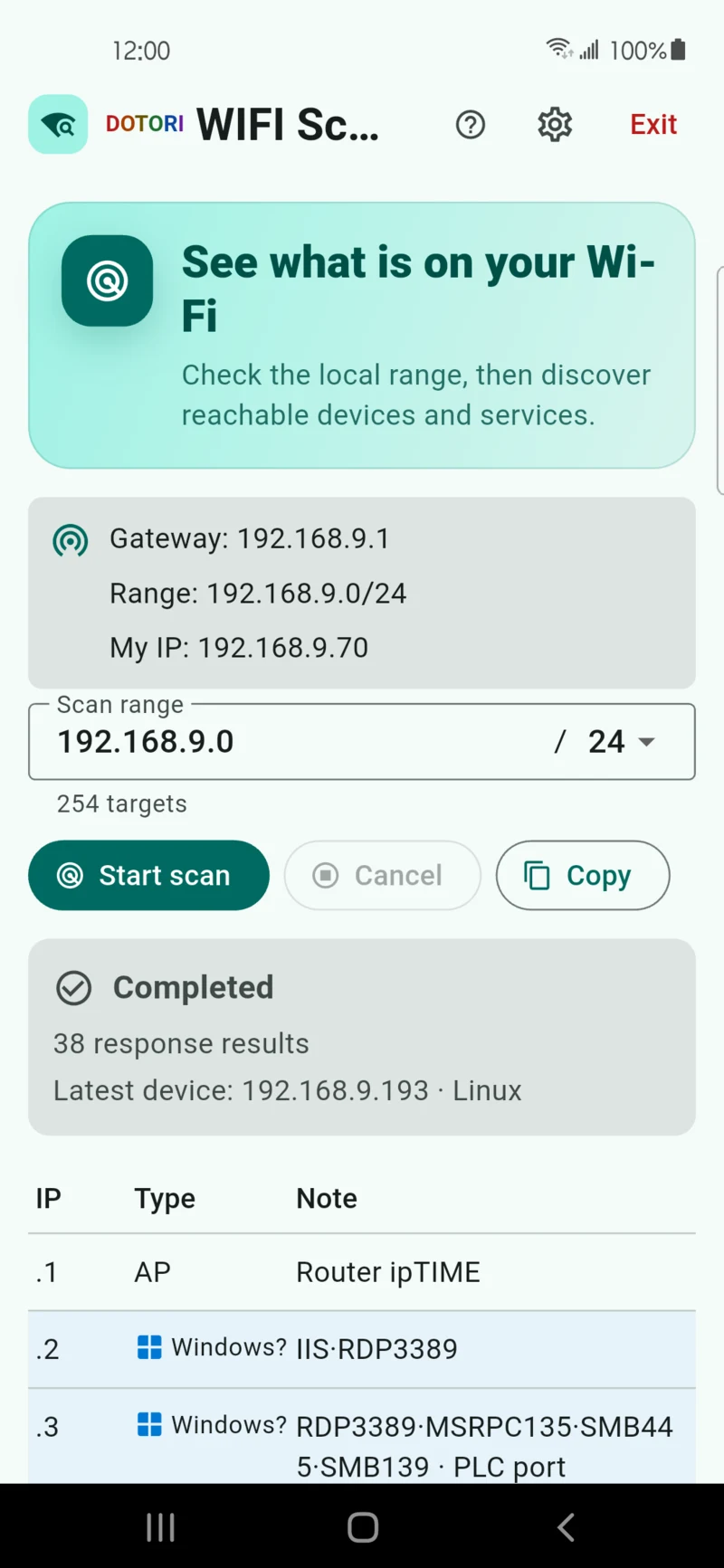
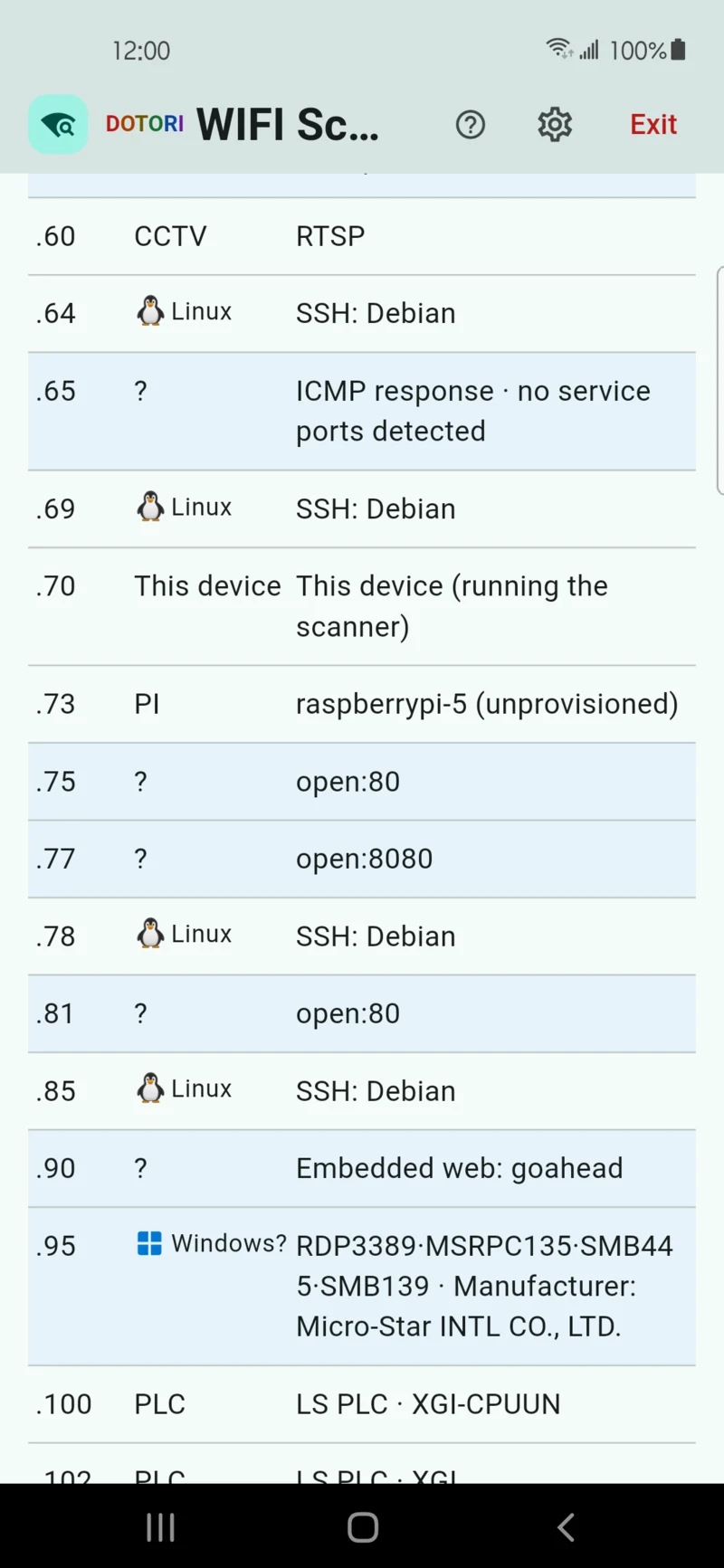
com.droidactor.wifi_scout
Discover and identify responding devices on the local Wi-Fi network.
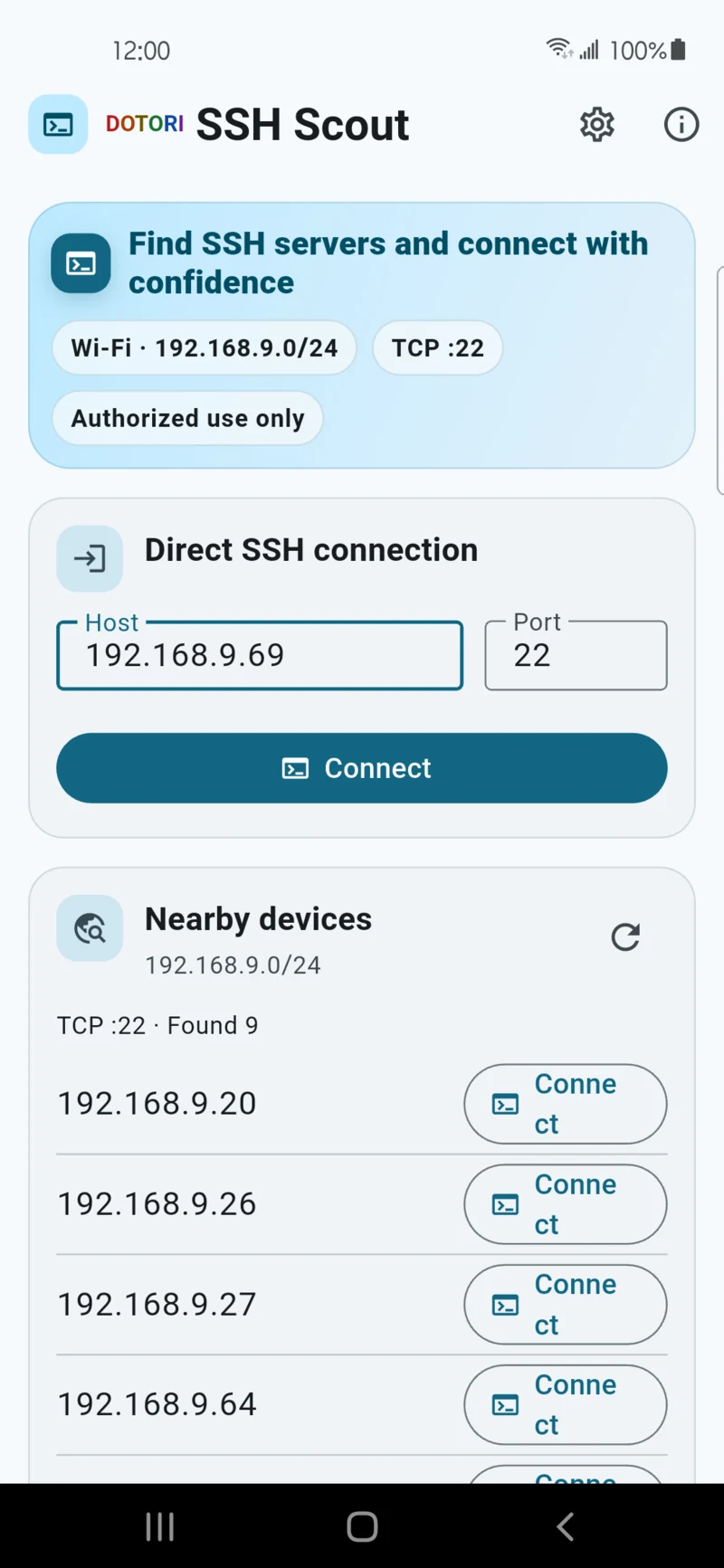
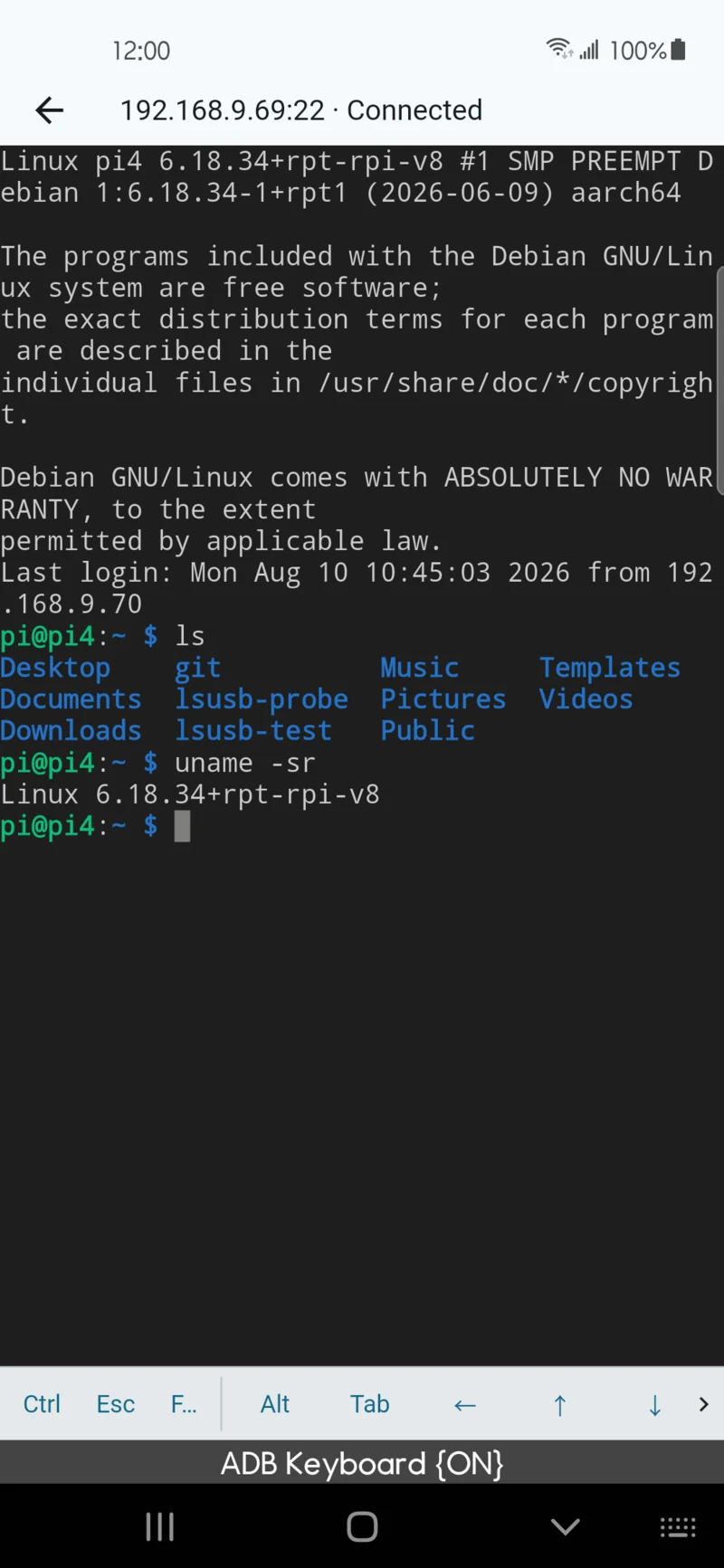
com.droidactor.ssh_scout
Find SSH hosts, verify host keys, save connections, and open a terminal.
com.droidactor.ytdownloader
Download videos and playlists directly from the source to a location you choose.
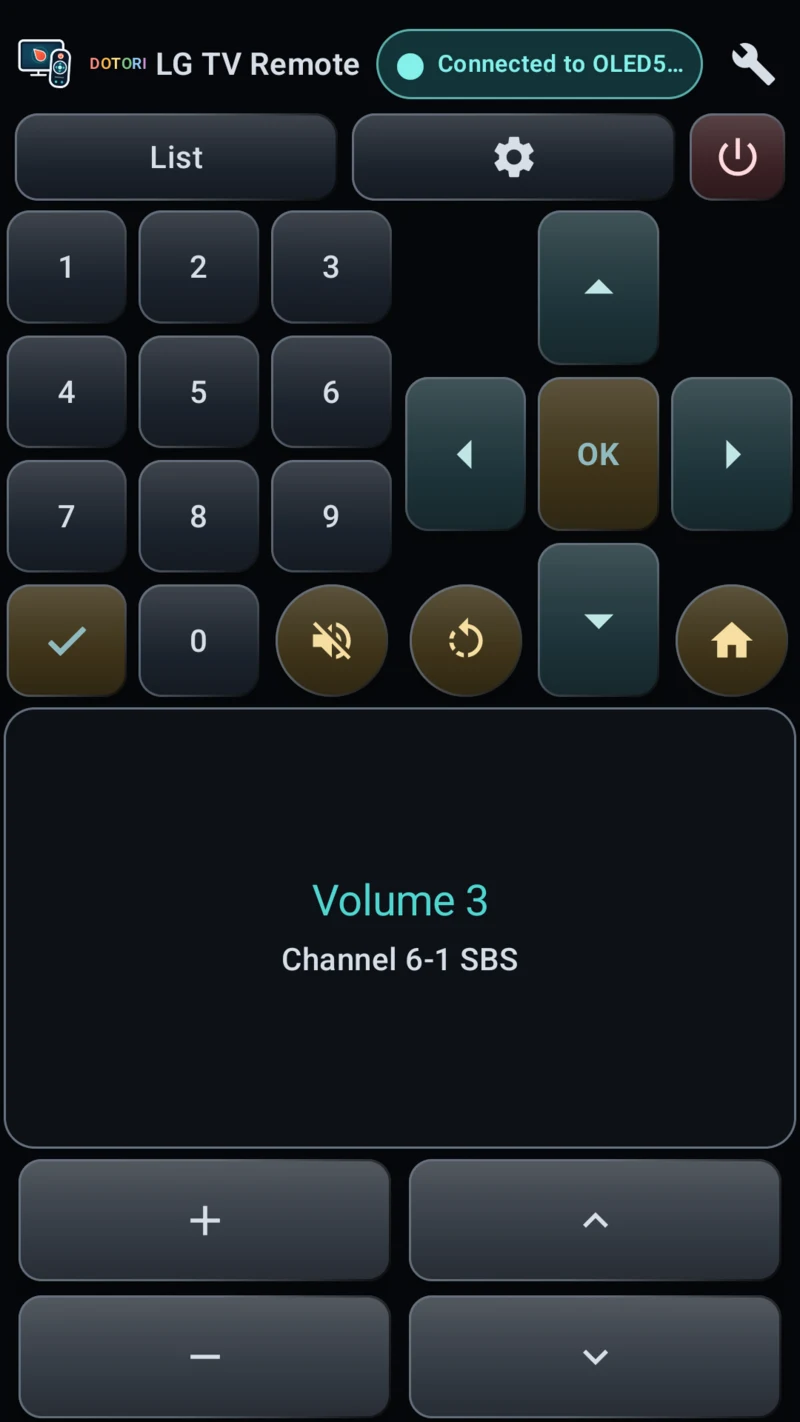
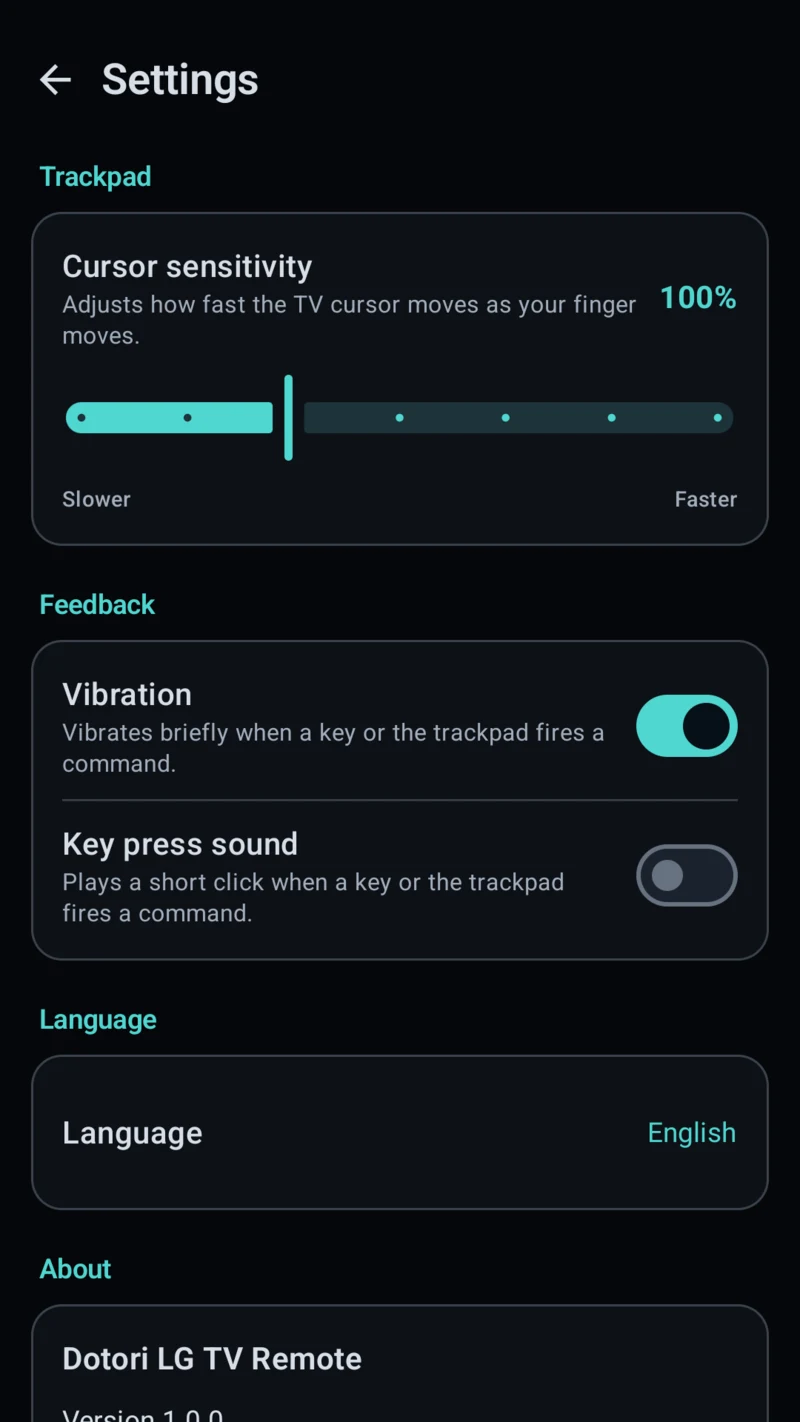
com.droidactor.lgtv
Control an LG webOS TV over the local network with keys and a trackpad.
com.droidactor.roman
Convert Arabic and Roman numerals both ways, past 3999 with the overline.
com.droidactor.currency
Convert your whole list of currencies at once at the European Central Bank’s official daily rates.
com.droidactor.unit
Choose from eight categories and compare units on one screen, with automatic unit selection and Korean traditional measures. Conversion works offline from first use.
com.droidactor.receipt
Read Korean and English receipts on your device, review amounts and currencies, and share confirmed records as CSV. This month’s totals stay separate by currency.
com.droidactor.namecard
Read Korean and English business cards on your device, review each detail, then add it to Contacts or share a vCard. Card data stays in the app.
com.droidactor.idphoto
Crop a portrait to Korean passport, driver’s license and ID card sizes on your device, then save it to your gallery or as a 4×6 print sheet.