Dotori LG TV Remote
Controls an LG webOS TV over your home network rather than by infrared, so you do not have to aim at the set. The phone and the TV only need to be on the same Wi-Fi — there is no Bluetooth pairing, no dongle and no account.
What it does
Trackpad and keys together
Drag to move the on-screen cursor, tap to click, scroll with two fingers — and the arrow keys with OK, Back and Home sit right below in one block.
Channel and volume without looking
A number pad enters a channel digit by digit, the rockers repeat while held, and every button answers with haptic feedback and a press inversion.
Power over the network
One tap turns a running TV off. A sleeping set is woken with a Wake-on-LAN packet sent to the MAC address recorded when you paired.
Screens
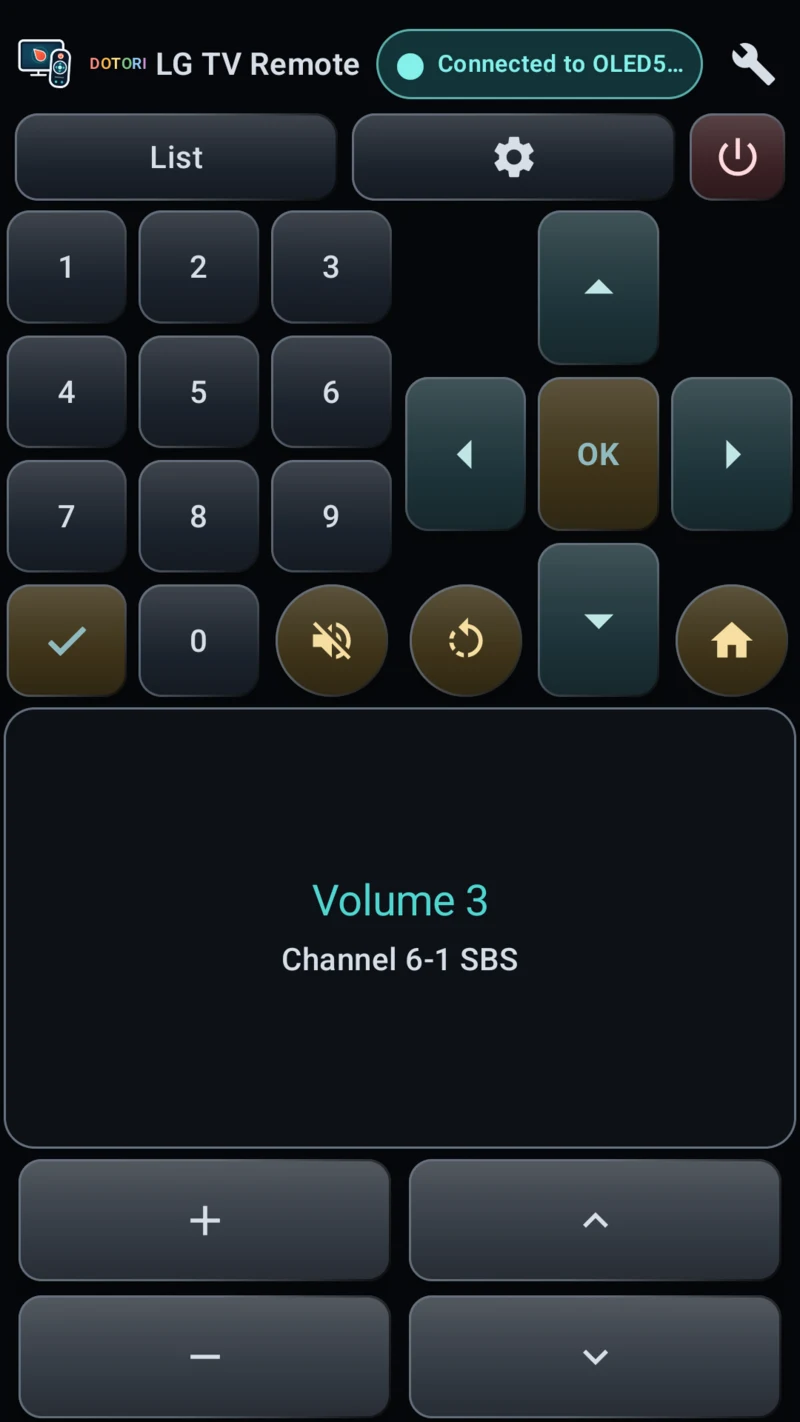
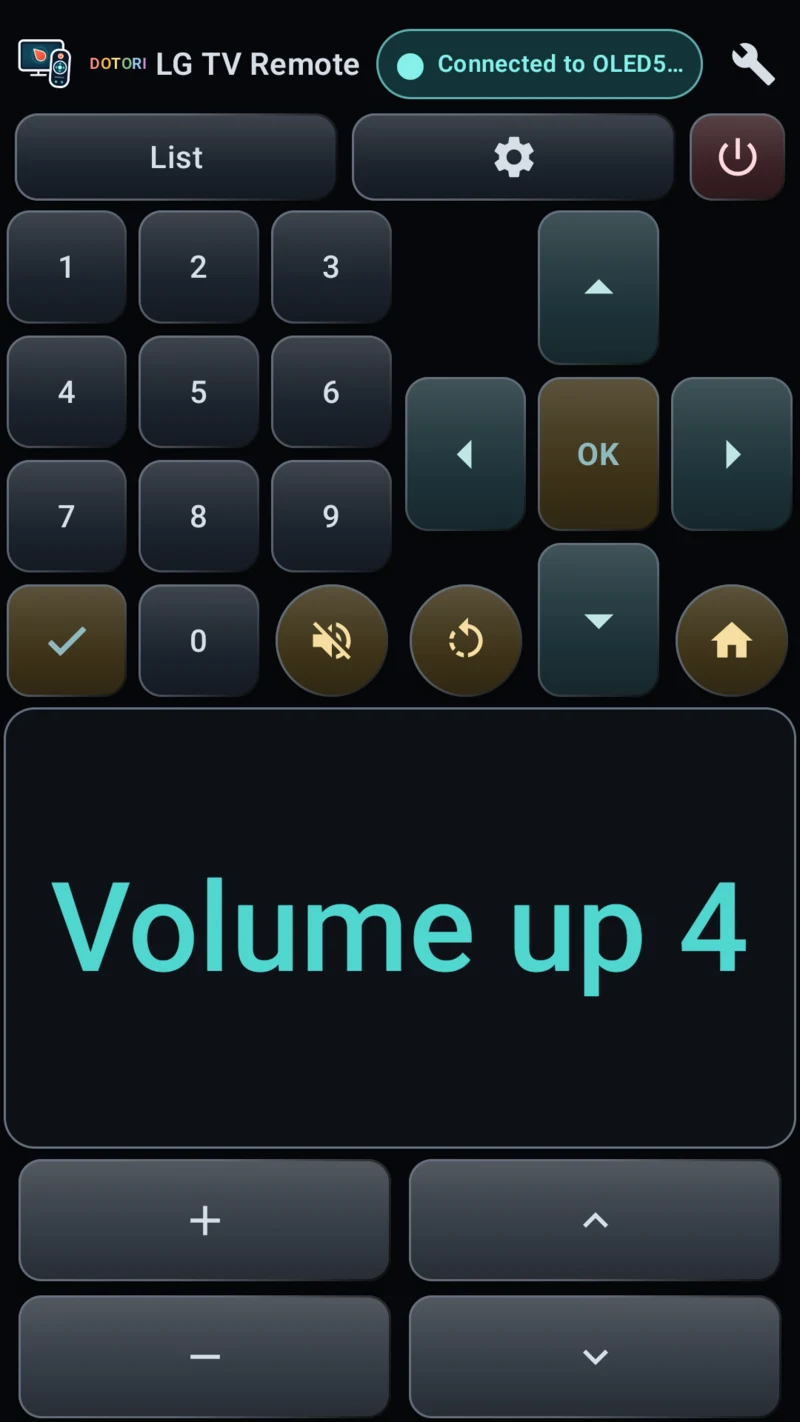
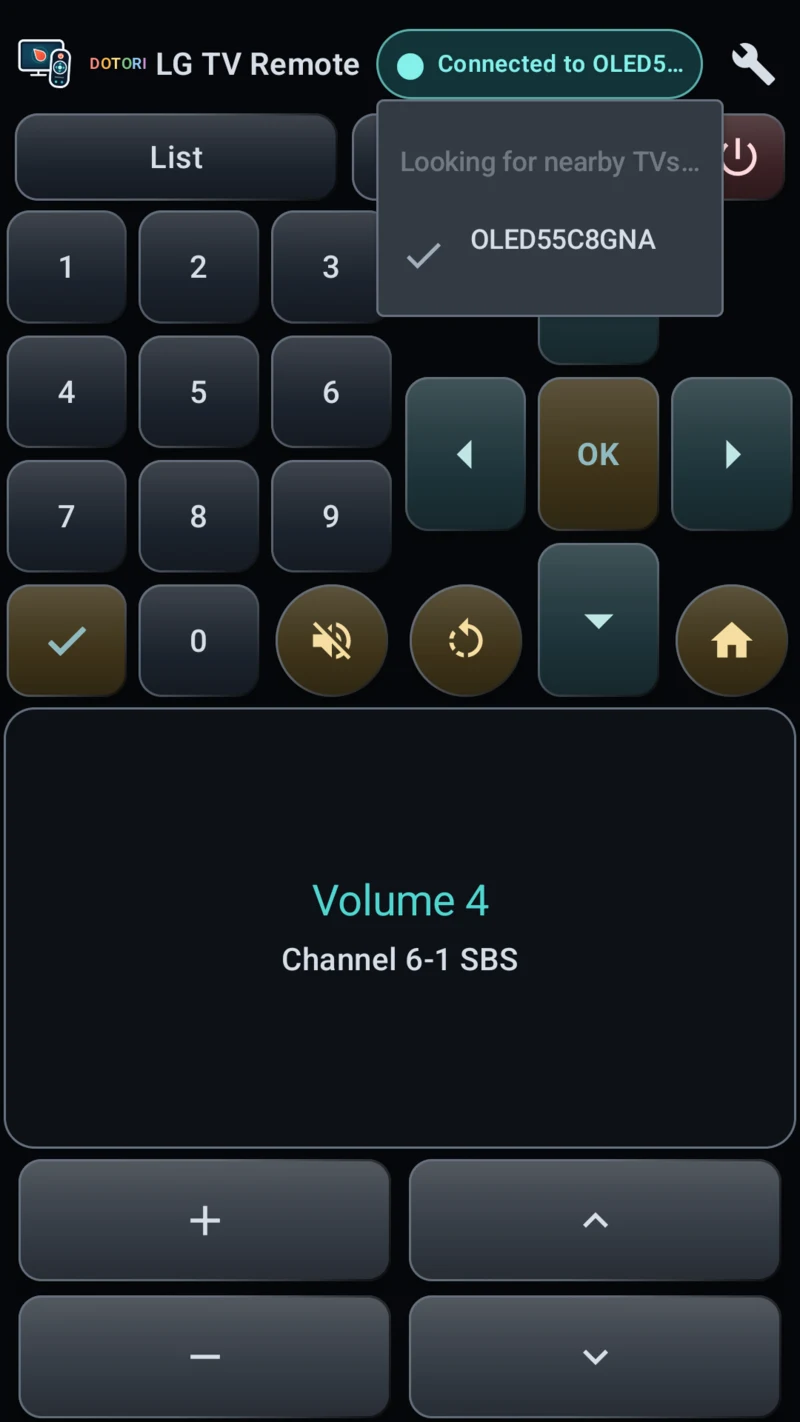
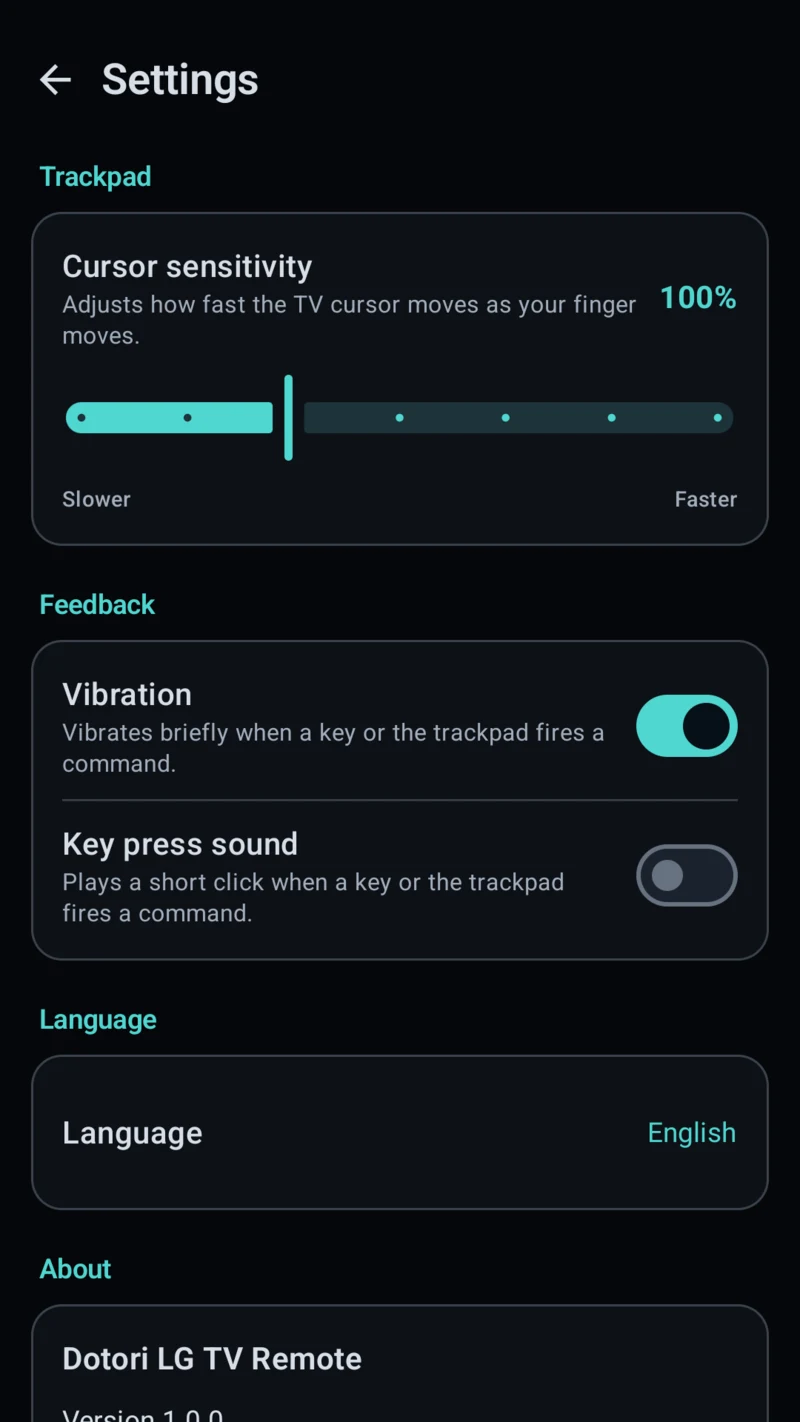
Built to be used while you watch the TV
The layout is portrait-locked and every control keeps its coordinates, so nothing moves under your thumb between sessions. There is no mode toggle hiding half the buttons. Volume and mute readouts appear large on the trackpad the moment you change them, which is the one thing worth showing on the phone.
The channel list and the TV settings open on the TV. The app does not redraw them on your phone — you are already looking at the bigger screen.
The first connection raises an approval prompt on the TV. Accept it once and the app keeps the key the TV hands back, so later connections need no prompt.
Known limits
- No text entry. This generation of webOS does not let a remote type into a TV app's own search box, so v1 leaves text input out rather than shipping something that works in one app and silently fails in the next.
- No programme guide button. The guide key did nothing on the set this app was measured against, and the TV's control channel offers no way to detect whether a given set supports it — a button that silently does nothing is worse than no button at all.
- Waking the TV needs the MAC address saved during pairing and the TV's "Mobile TV On" setting enabled. A set that is already off cannot be discovered on the network at all, and waking takes roughly 15 to 20 seconds.
- No app-launch keys. The Netflix-style hotkeys on the physical remote are not carried by the TV's remote-input channel.
Requirements
| Platform | Android (Kotlin) |
|---|---|
| Package name | com.droidactor.lgtv |
| Minimum Android | Android 8.0 (API 26) |
| Target Android | API 36 |
| TV side | An LG webOS TV on the same Wi-Fi. Developed and measured against an LG OLED C8 (webOS 4.x). Nothing to install on the TV. |
| Price | Free, supported by a banner ad (Google AdMob). No interstitials. |
| Accounts | None. No sign-in, no registration. |
| Status | Published on Google Play — store listing |
Privacy
Remote commands travel from the phone straight to the TV you picked, over your own local network. They are not sent to us and not to the ads SDK, and there is no app login and no developer backend. So it can reconnect and confirm it is the same set, the app stores the TV's address, its MAC address, the model name and certificate CN the set reports, the pairing key the TV issues and the TV certificate fingerprint on your phone; uninstalling removes them. No location permission is used.
Support
Bug reports, questions and feature requests go to droidactor@gmail.com.
LG and webOS are trademarks of LG Electronics. This app is unofficial and not affiliated with LG Electronics.
Related reading
- How this remote controls an LG webOS TV over Wi-Fi
- Lost Your LG TV Remote? Use Your Phone Instead — a hands-on walkthrough of the first-time setup.
- LG TV 리모컨 분실·고장, 폰을 리모컨으로 쓰는 방법 — the same walkthrough in Korean.