
Dotori Business Card Scanner
Scan one side of a business card or choose a photo, then check the suggested details and save the card. Korean and English text is read on your device, and you decide when a card goes to Contacts or is shared as a vCard.
What it does
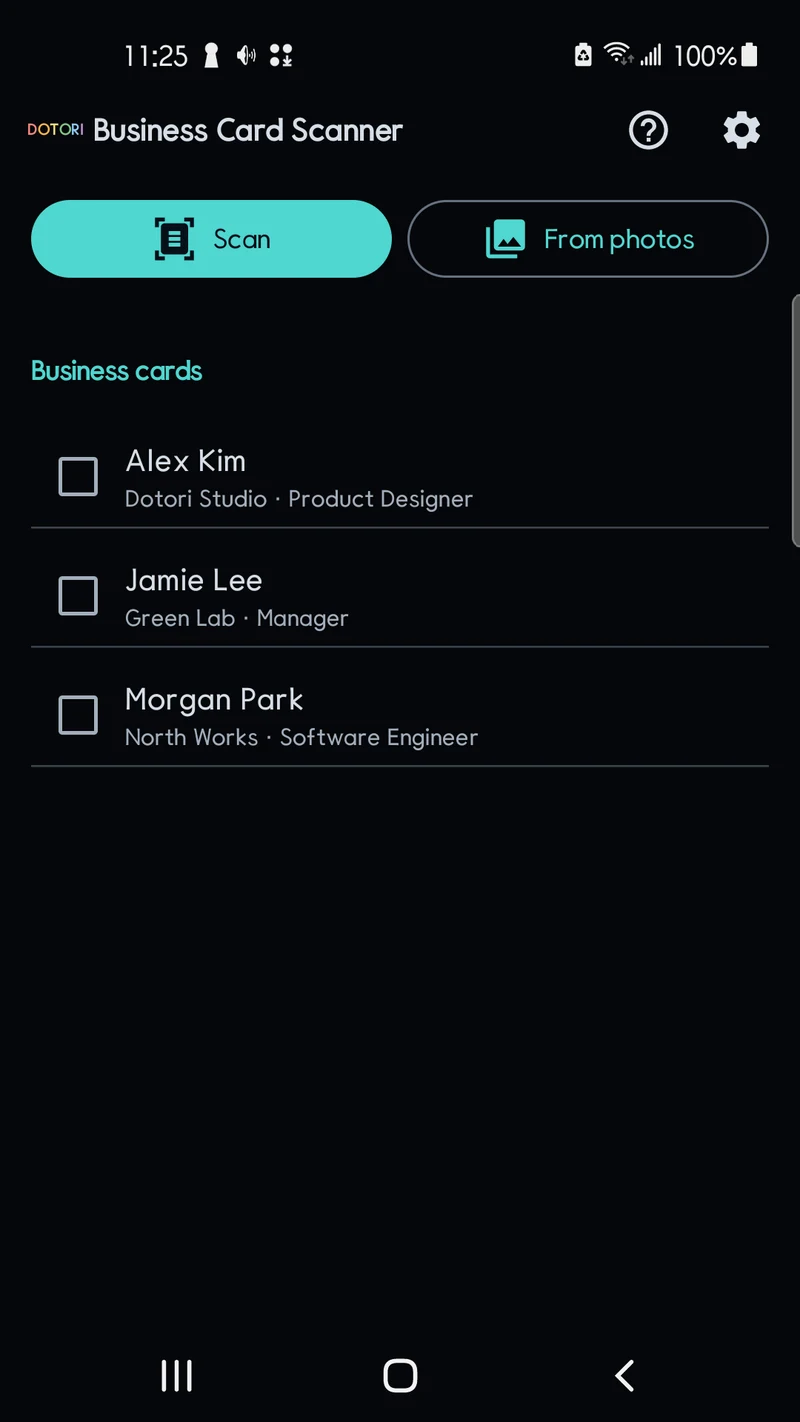
Scan or choose a photo
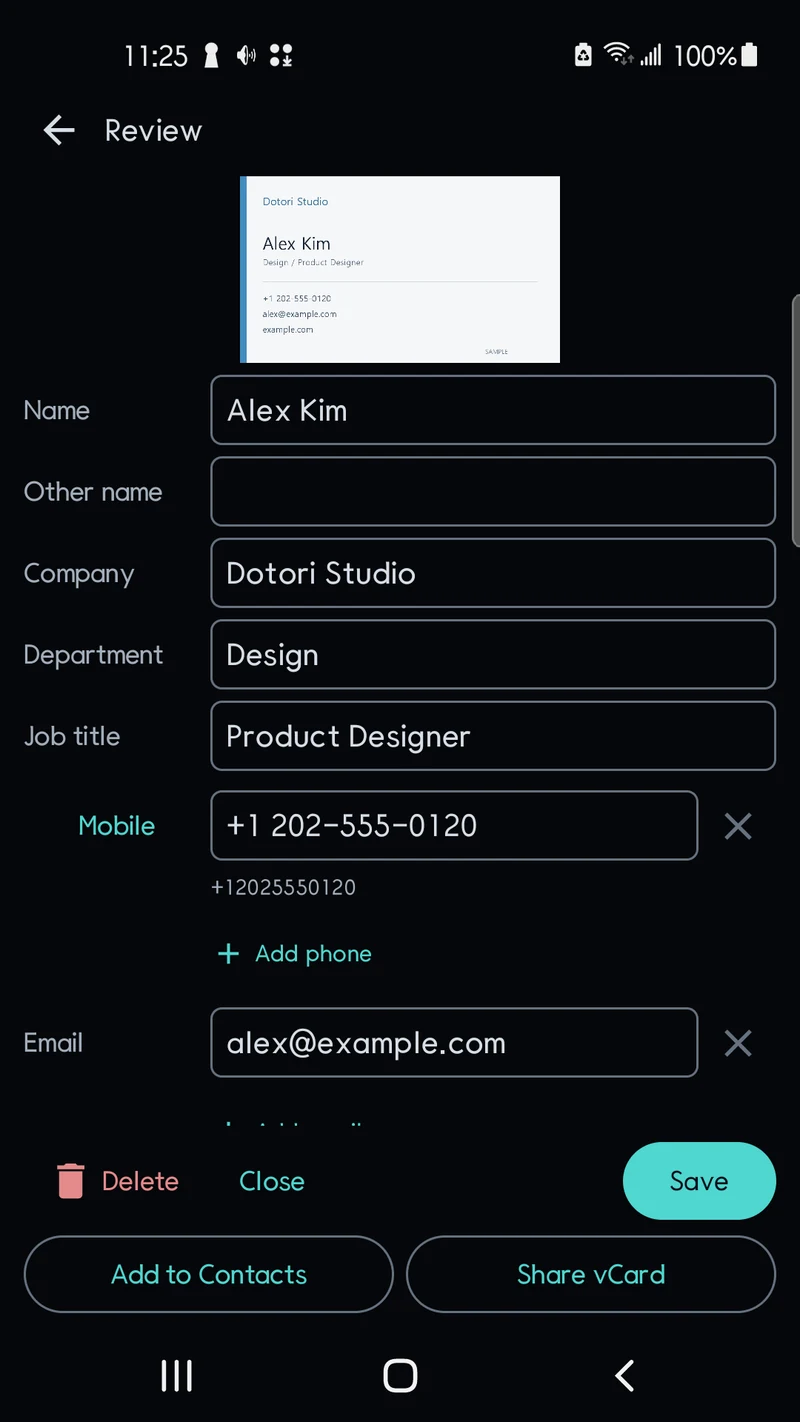
Use the document scanner or select one image. Review the suggested name, company, department, job title, phone numbers, email addresses, websites and address against the card image.
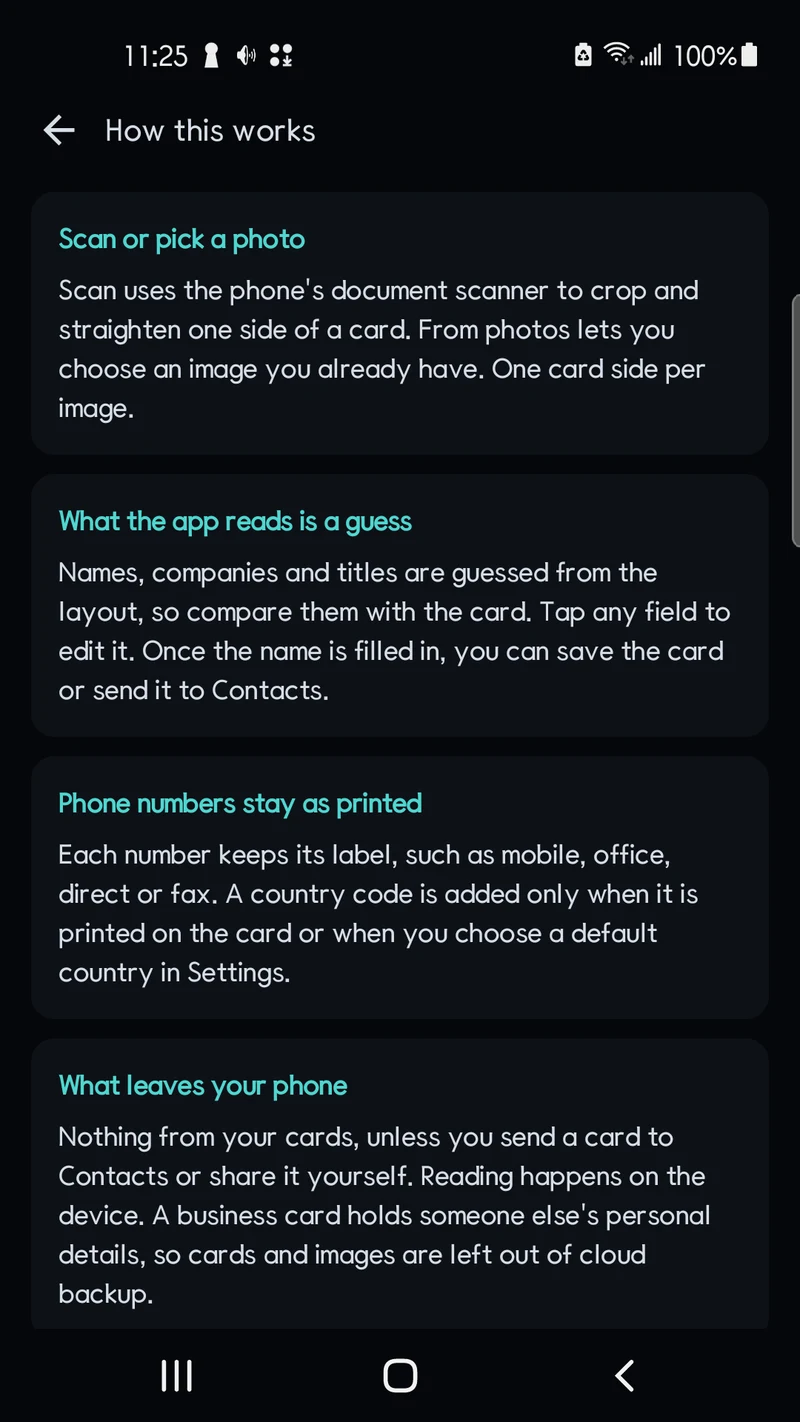
You review every field
Recognition can make mistakes. Tap any field to correct it. Text that did not fit a field, and second candidates for company, department, title or address, are pre-filled into the memo so you can keep or remove them. A card is saved only when you tap Save or export it, and the name is the one required field. Contact QR codes are shown as candidates next to the printed details. The v1 release does not include generative AI.
Phone numbers stay as printed
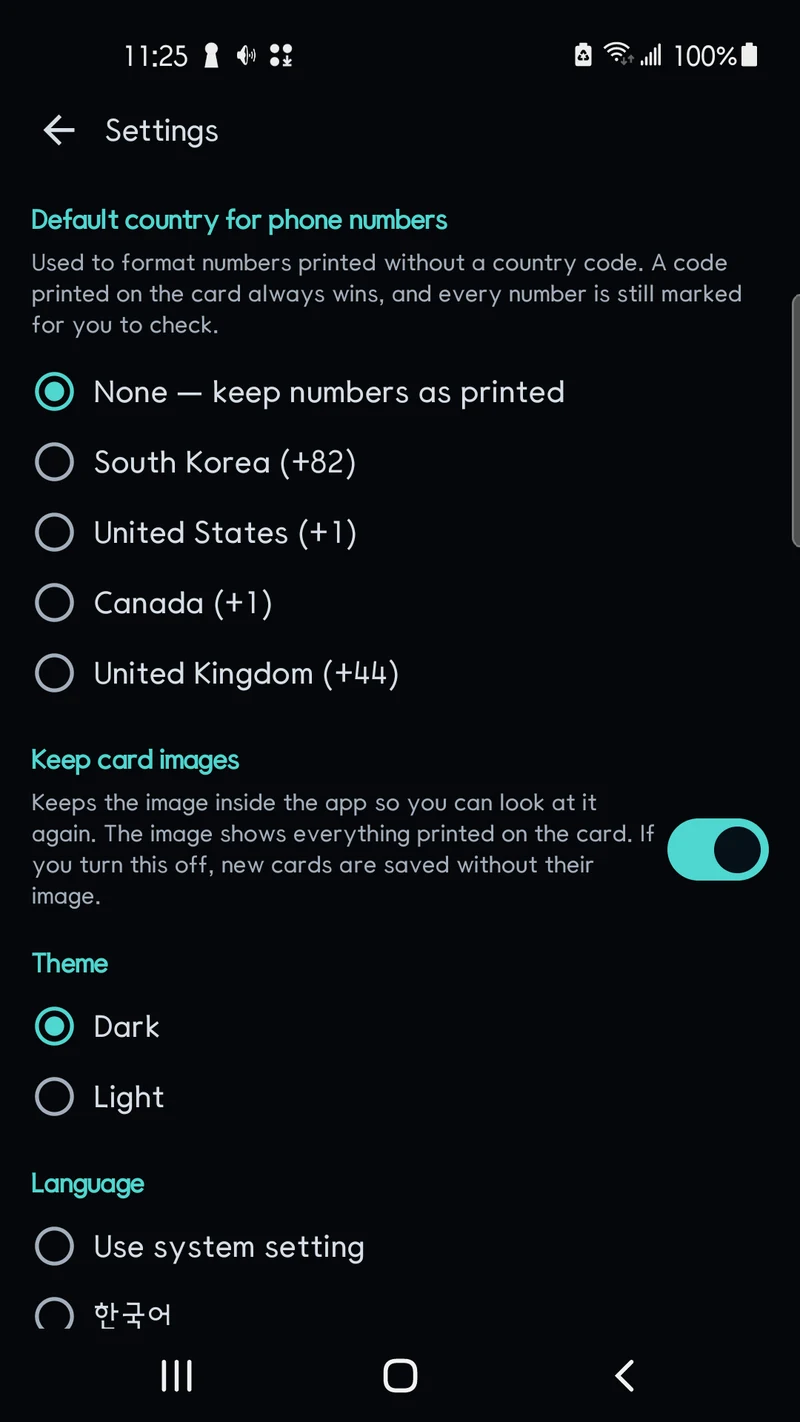
Each number keeps its label — mobile, office, direct, main or fax. A country code is added only when it is printed on the card or when you choose a default country in Settings.
Add to Contacts or share a vCard
Once the name is filled in, open your contacts app’s new-contact screen with the details filled in and finish saving there, or share a vCard file with an app you choose. The app does not read your existing contacts.
Choose image retention
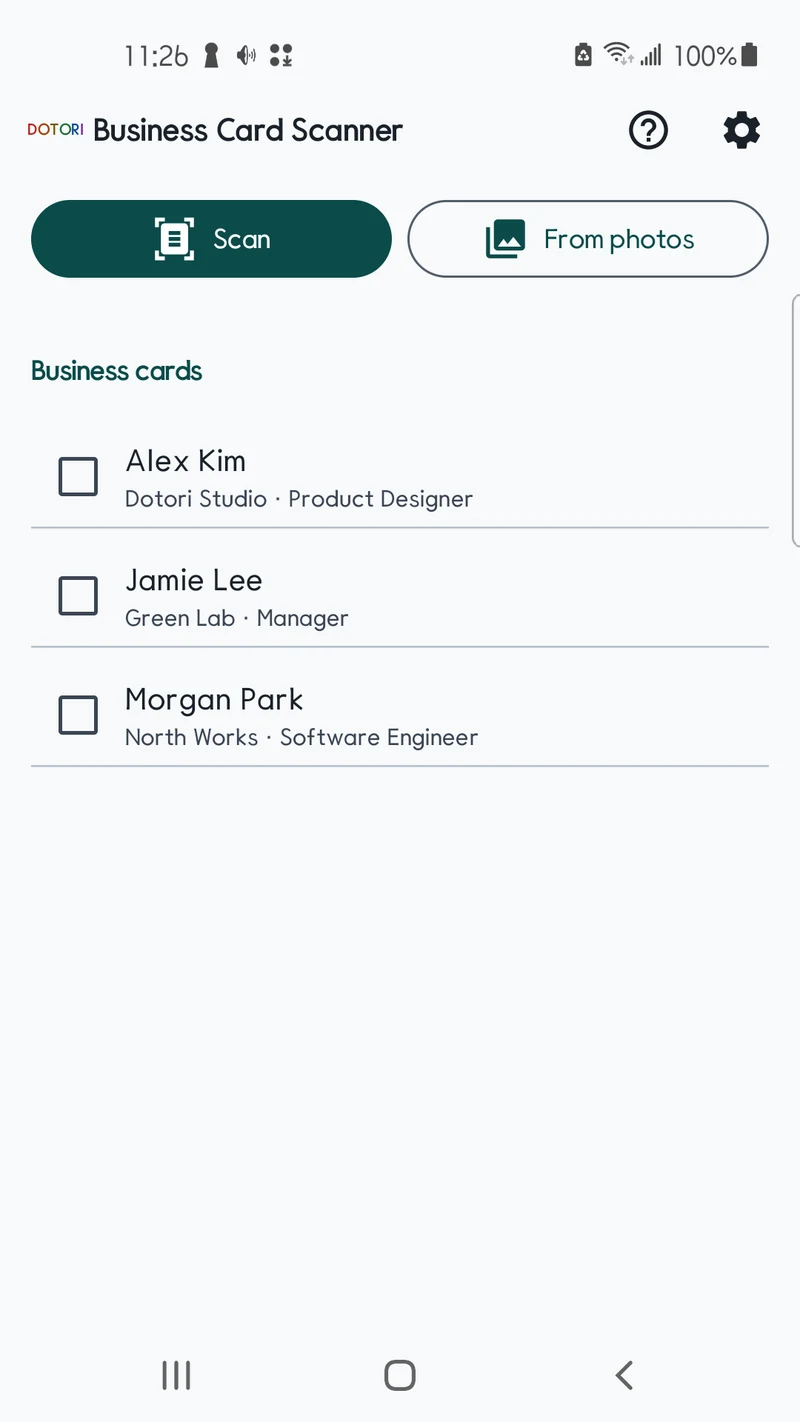
Card images are kept in the app by default. Turning retention off applies to new cards; images already kept remain until you delete them with their cards. Check several cards in the list to delete them together.
Local recognition
No account or developer-operated card server. Optional recognition models download over Wi-Fi, scanner setup may need a Play services download, and cloud photo providers may need a connection. SDK diagnostics and ads are separate from card recognition.
Screens
Requirements
| Platform | Android |
|---|---|
| Minimum Android | Android 8.0 (API 26) |
| Input | One side of a Korean or English business card per image; document scanner or photo picker |
| Output | Your contacts app’s new-contact screen, or a vCard file shared with an app you choose |
| Permissions | No dangerous permissions requested by the app, including contacts. Network, advertising and supporting library permissions are separate. |
| Accounts | No app account or login |
| Advertising | AdMob banner with Google UMP privacy choices |
| Status | Coming soon |
Known limits
Check every result before saving it. V1 reads one card side per image: it does not combine front and back images, split several cards in one image, search or sort the list, or check for duplicates in your existing contacts. It does not open links found in QR codes on its own (the browser icon on the link row, named Open link, opens only http and https links, and only when you tap it), save contacts automatically, or provide cloud sync or restore. First-use offline scanning is not guaranteed.
Privacy
A business card holds someone else’s personal information. Card images and recognized text are processed on the device and are not uploaded for recognition or passed to advertising requests. Card storage is excluded from cloud backup. Deleting a card removes its retained image, but not your gallery original, contacts you already saved, or vCard files already shared. Retained images still show everything printed on the card. ML Kit diagnostics and AdMob/UMP have separate data practices.
Related reading
Support
Questions and feedback: droidactor@gmail.com.