Dotori Bluetooth PPT Remote
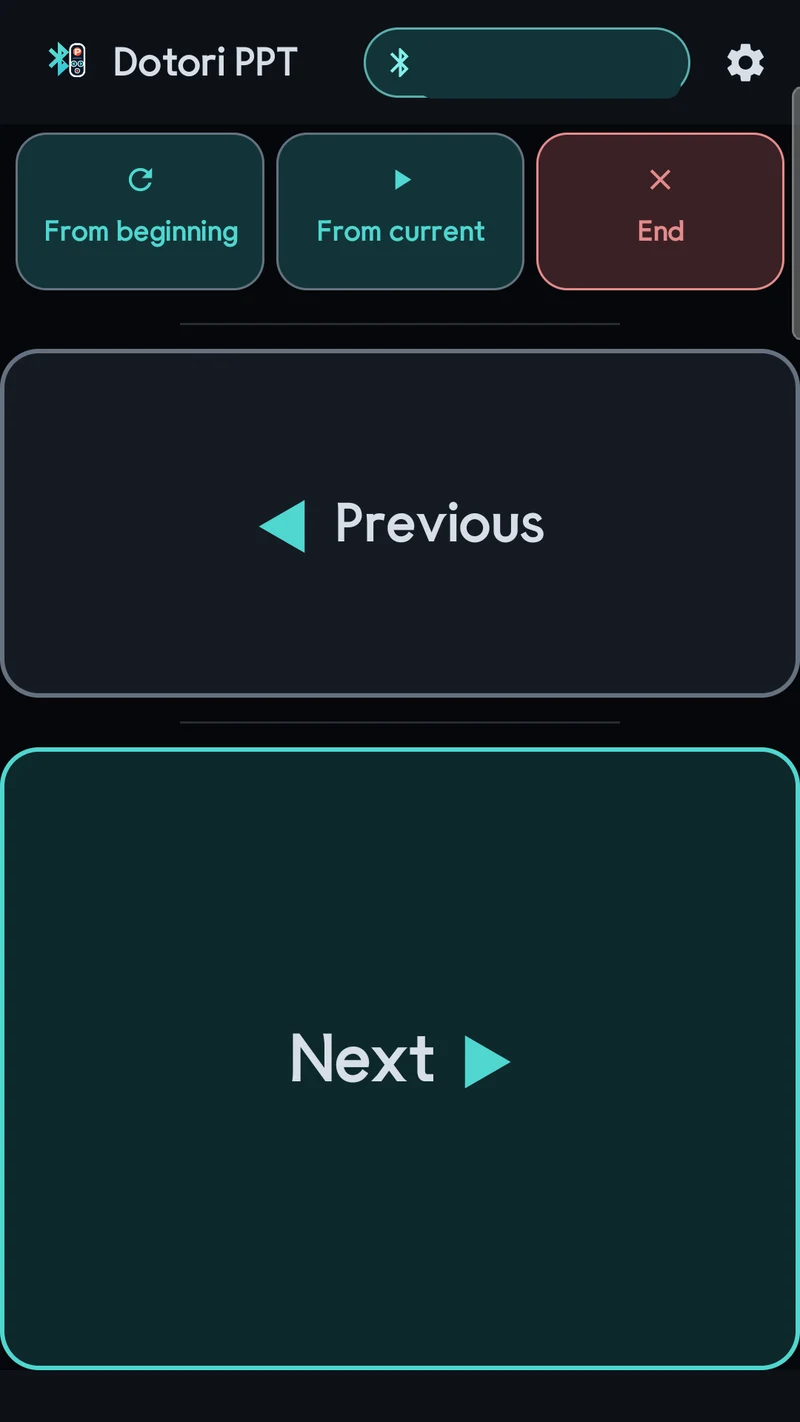
A presentation clicker, deliberately limited to five actions over Bluetooth HID. There is no text entry and no pointer — nothing to mis-tap while you are speaking. The presenting machine sees a plain Bluetooth keyboard, so there is nothing to install and no dongle to lose.
The five actions
These are the only five actions the app can send. That is the point.
| Key or sequence sent | What it does in PowerPoint |
|---|---|
PageDown | Next slide |
PageUp | Previous slide |
F5, then Home | Start the show from the beginning |
Shift+F5 | Start the show from the current slide |
Esc | Exit the show |
These mappings target PowerPoint on Windows. PageDown, PageUp and
Esc often work in other presentation programs, but the start shortcuts and the trailing
Home can behave differently. Test all five actions before presenting.
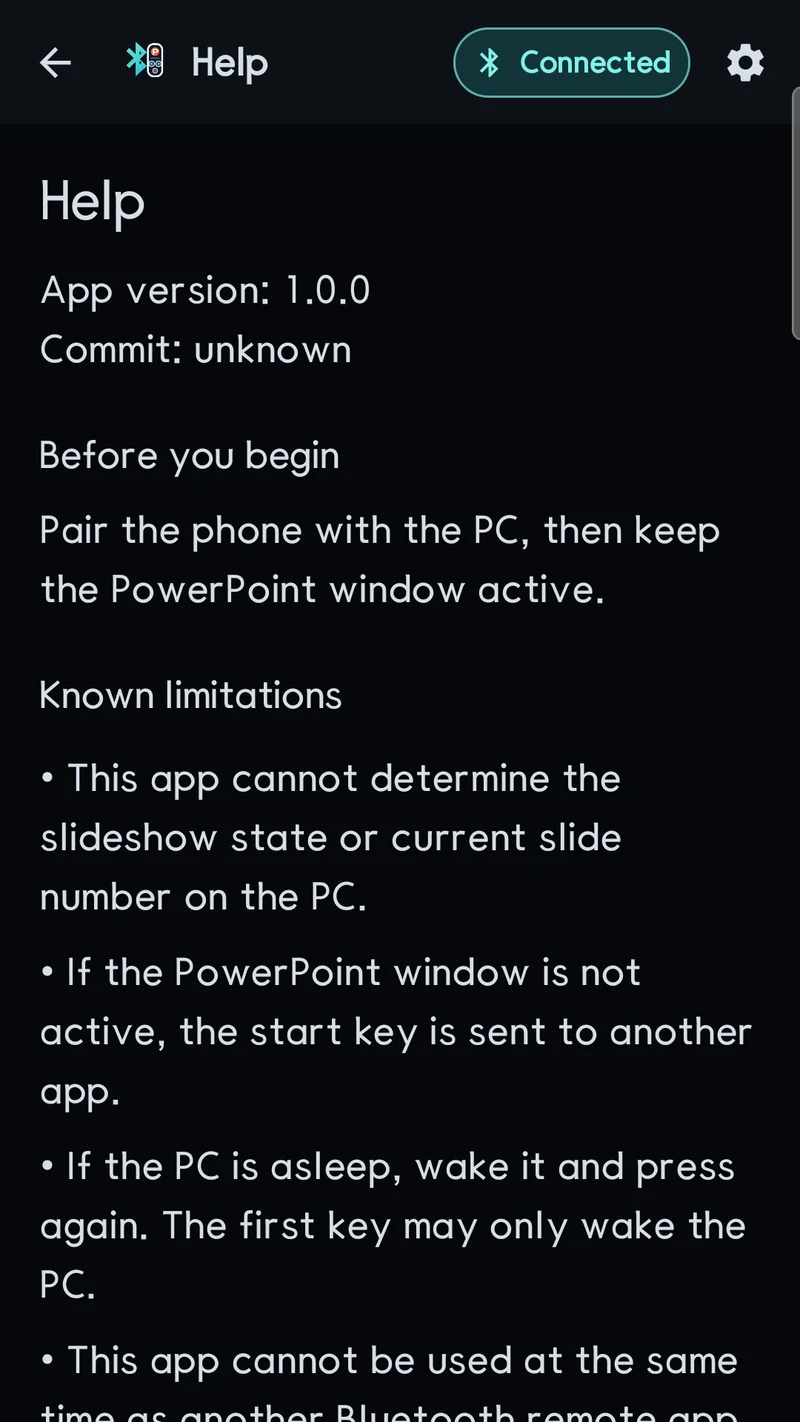
Screens
Why it is built this way
Five buttons, no surface to slip on
A general remote gives you a trackpad and a keyboard you did not ask for while presenting. This one cannot send anything except the five actions above.
The banner never moves the buttons
One banner is pinned at the top of every screen, the presenter view included. Its height is reserved before an ad loads, so the controls below never shift under your thumb mid-talk. There are no full-screen ads.
Nothing on the host
Bluetooth HID means the laptop pairs with it as a keyboard. No receiver, no driver, no companion app, no account.
Requirements
| Platform | Android (Kotlin) |
|---|---|
| Package name | com.droidactor.bt_ppt |
| Minimum Android | Android 9.0 (API 28) — required by BluetoothHidDevice |
| Target Android | API 36 |
| Host side | Any device that pairs with a standard Bluetooth keyboard. Nothing to install. |
| Price | Free, supported by ads (Google AdMob) |
| Accounts | None. No sign-in, no registration. |
| Status | Published on Google Play — store listing |
Privacy
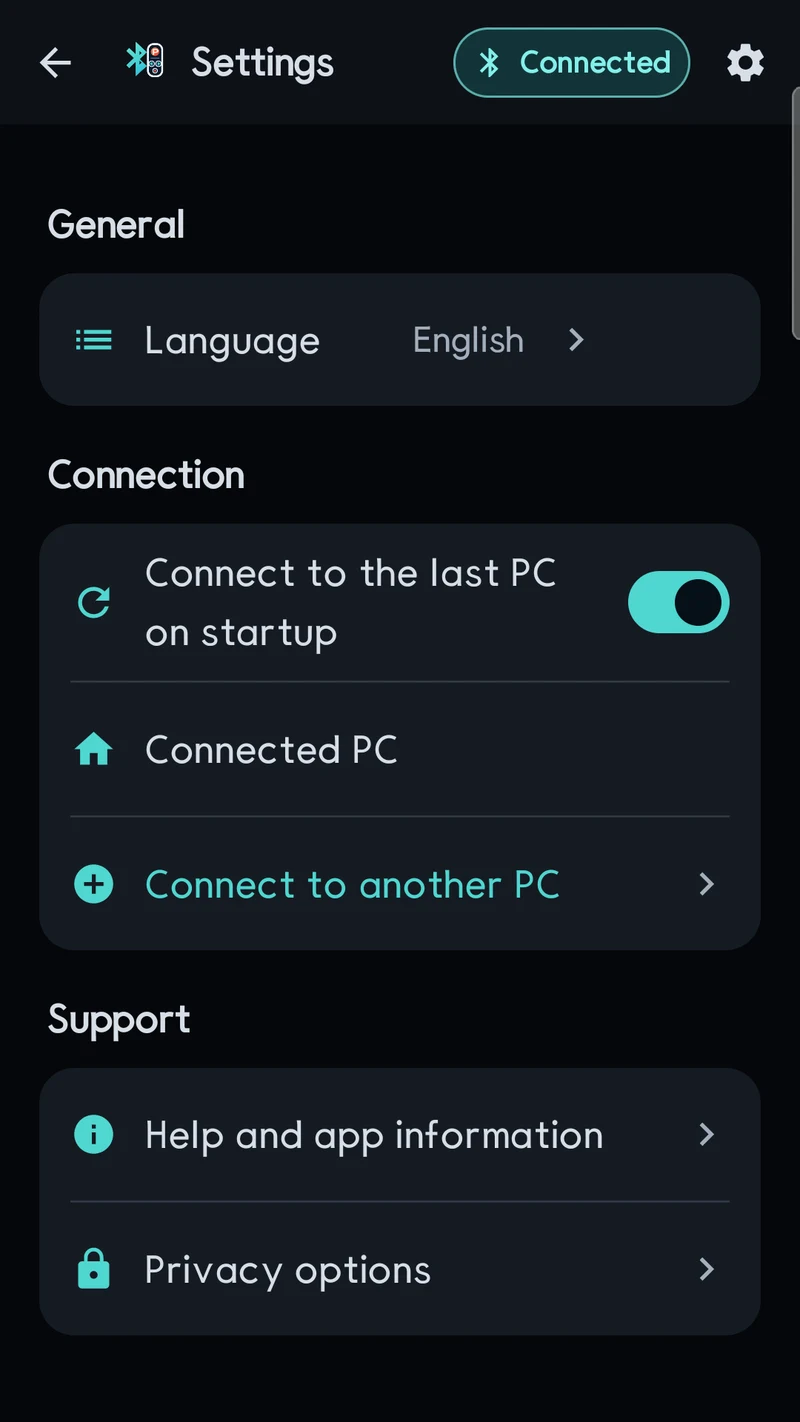
The app sends only the five fixed key actions above and has no text entry at all. The paired host's address is stored locally so it can reconnect, and is masked wherever it is displayed. No location permission is requested, and nothing is transmitted to us.
Support
Bug reports, questions and feature requests go to droidactor@gmail.com. Telling us what the presenting machine actually received is the most useful detail of all.