Dotori SSH Terminal
SSH connections, a terminal, and trust-on-first-use host key management — with discovery built in. Most SSH clients assume you already know the address. This one finds the hosts that answer on your network first.
What it does
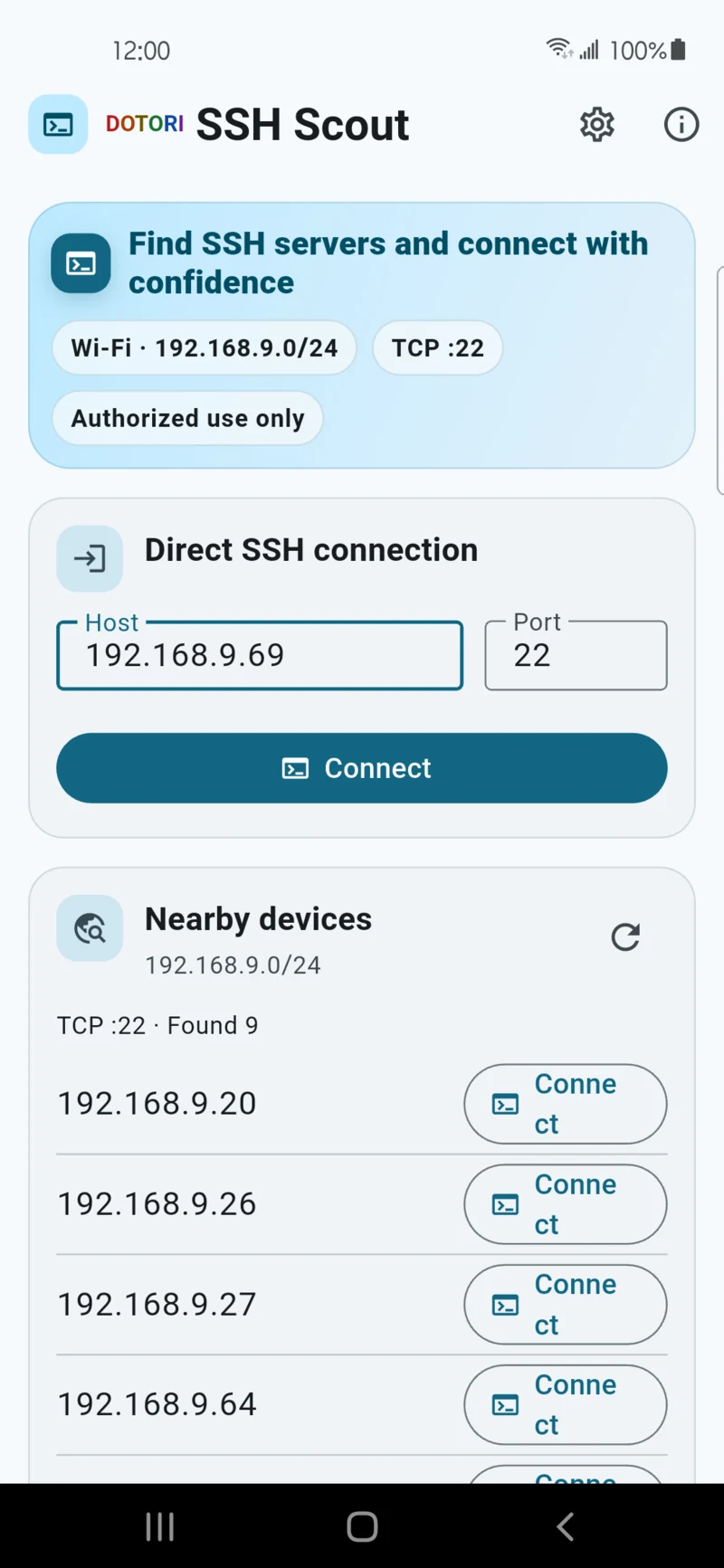
Finds hosts, then connects
While the app is open and on Wi-Fi it tries the selected TCP port — 22 by default — against
hosts in the /24 subnet derived from your current local IPv4 address. That
automatic sweep is the discovery feature.
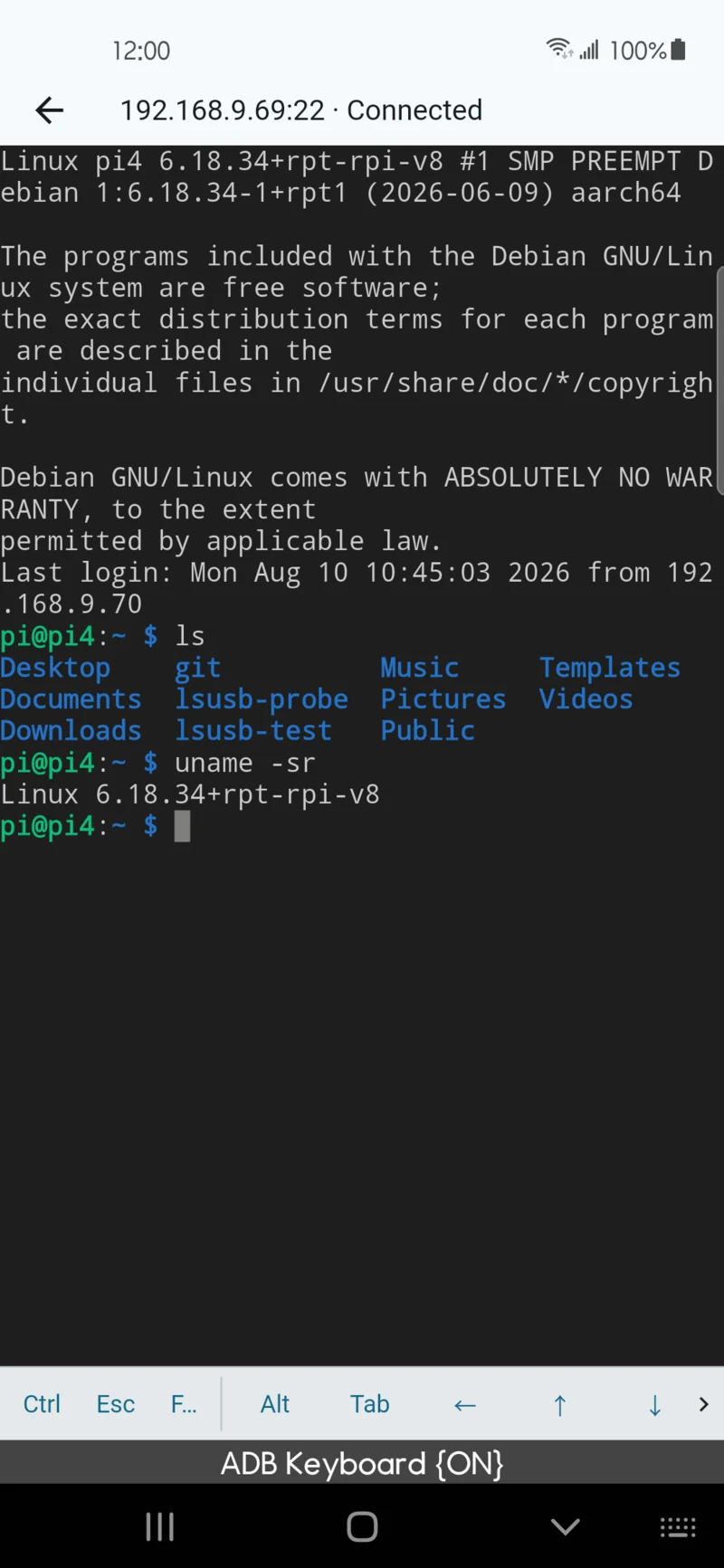
A terminal, connected directly
Sessions go from your phone straight to the host you specify. No traffic is proxied through a server of ours, because there is no server of ours.
Trust on first use
A host key is recorded the first time you accept it and checked on every later connection, so a changed key is something you get told about rather than something that passes quietly.
Arrives from WiFi Scanner
A result row in Dotori WiFi Scanner opens here by deep link, carrying the host and port only — never a username or password.
Screens
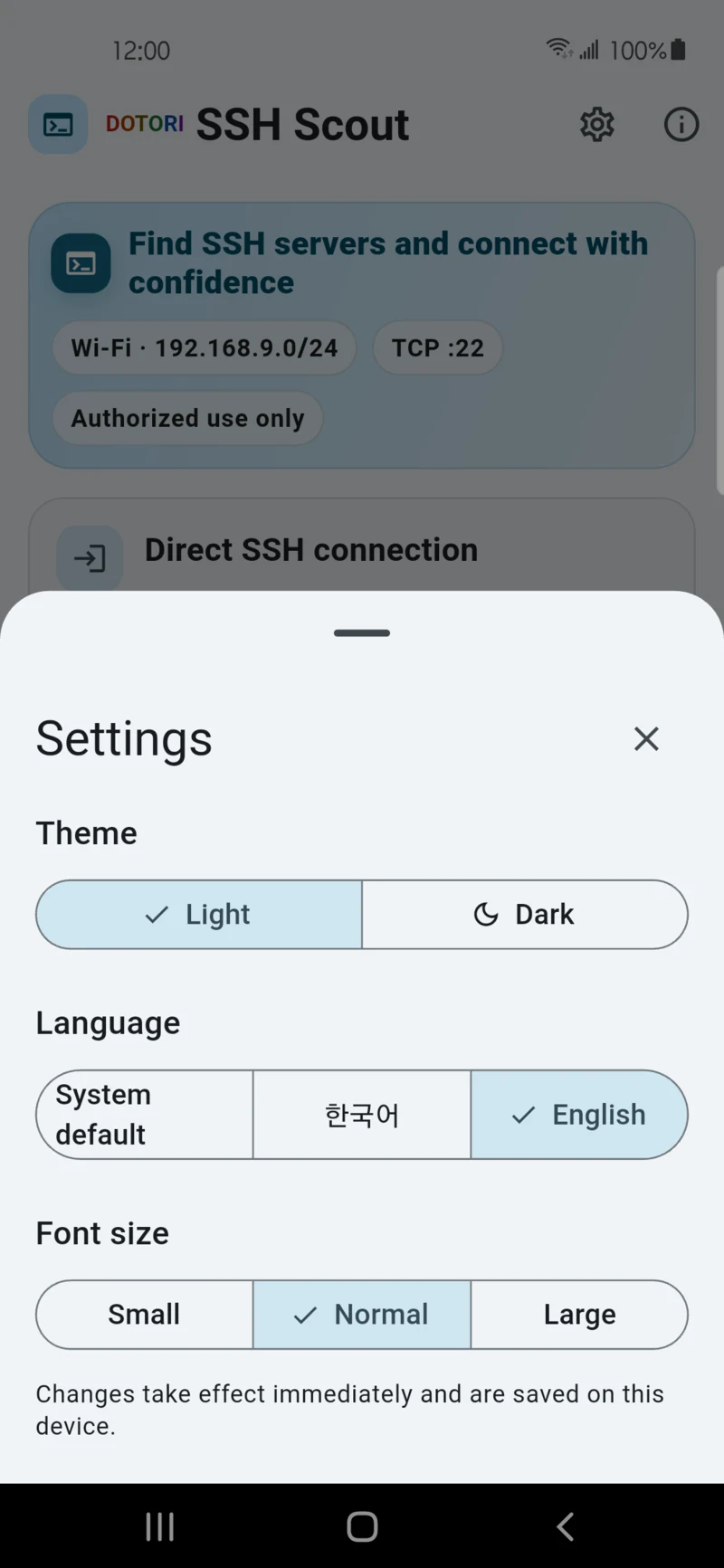
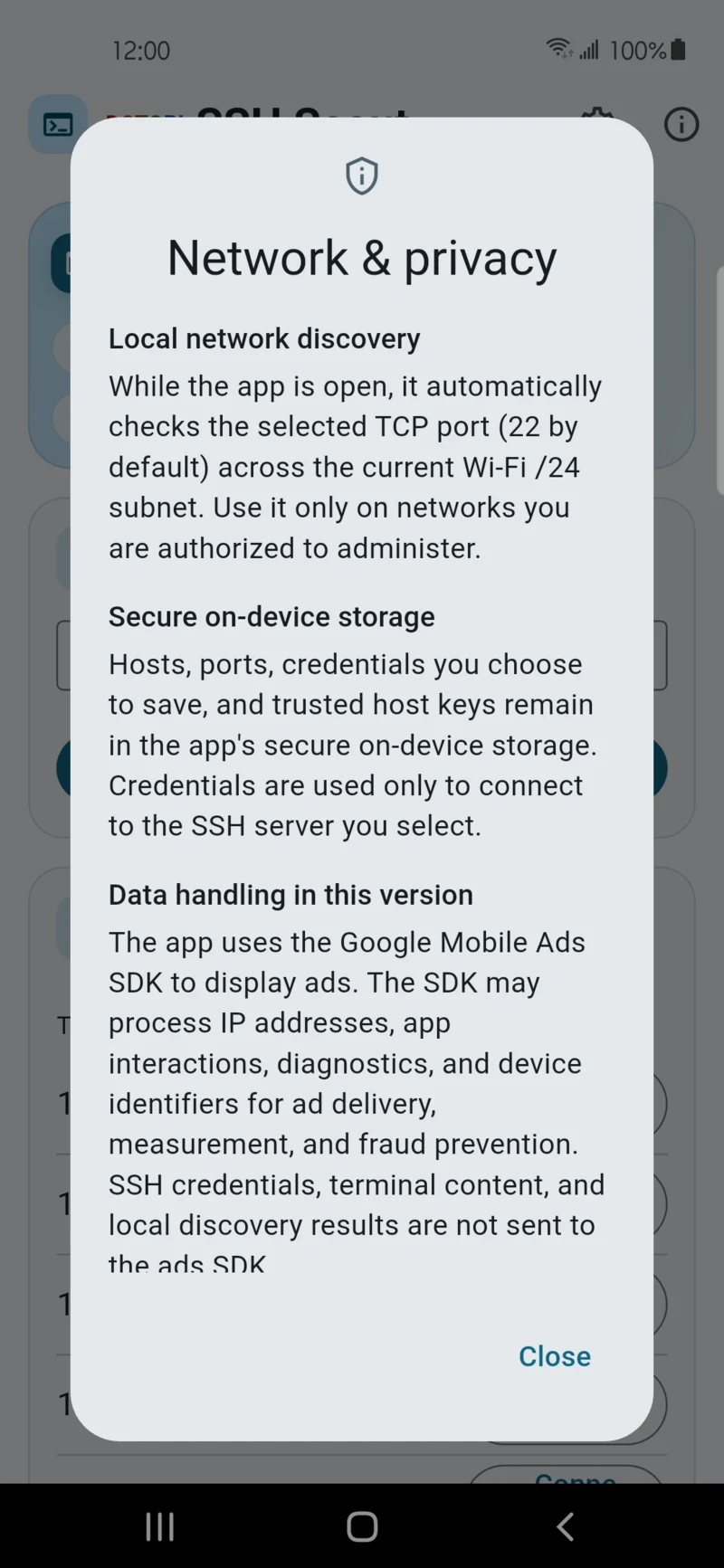
Where your credentials live
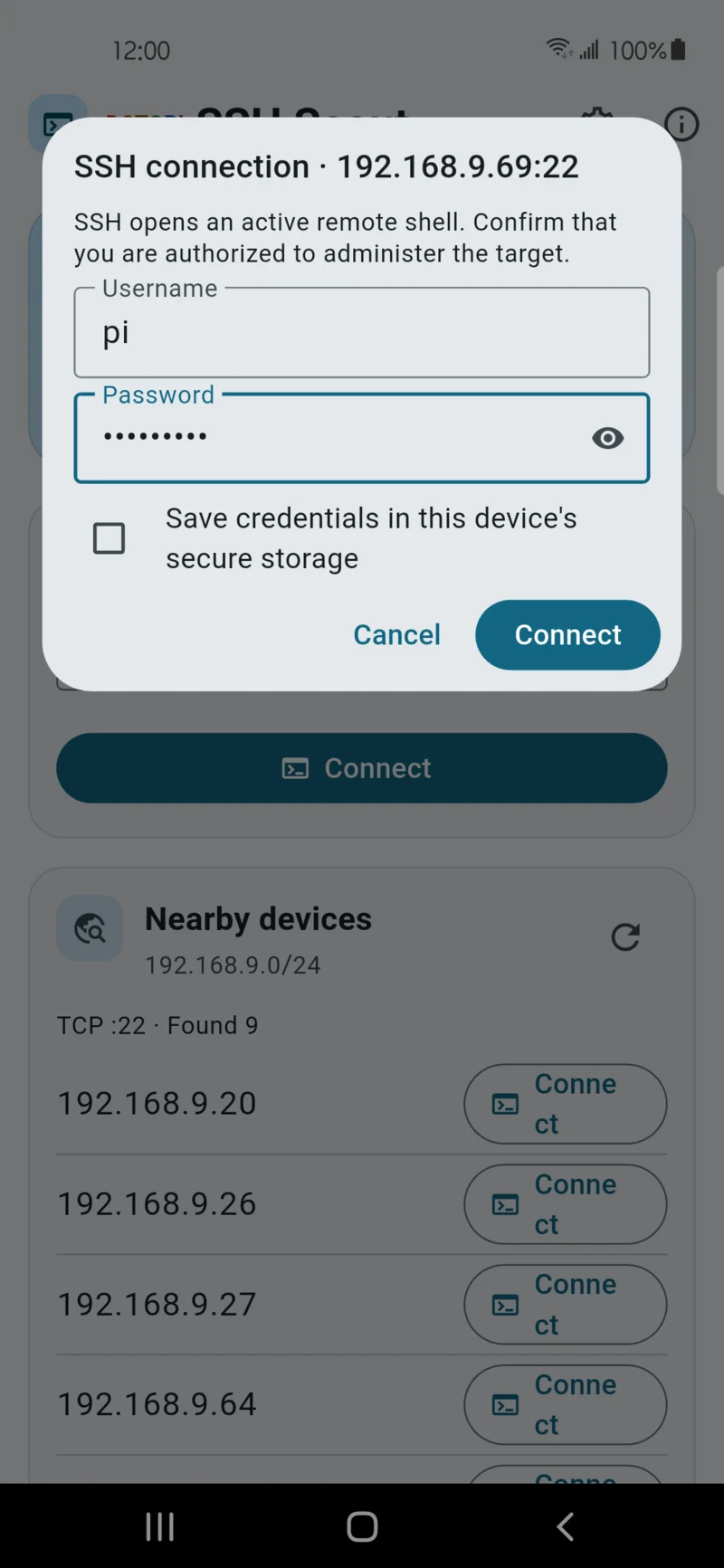
SSH usernames, passwords and trust-on-first-use host keys are stored in the app's own protected storage on your device. They are never transmitted to us or to any third party, and are never included in the deep link. The Android app sandbox means another app cannot read them — including Dotori WiFi Scanner, which is why a handoff carries the address only.
Credentials are not stored permanently unless you choose to save them, and saved ones can be deleted per target from the saved-connections list.
Use it only on networks you own or are authorised to administer. The SSH server you connect to is neither chosen nor operated by us — that operator's own policies apply to whatever it does with your session.
Requirements
| Platform | Android (Flutter) |
|---|---|
| Package name | com.droidactor.ssh_scout |
| Minimum Android | Android 9.0 (API 28) |
| Target Android | API 36 |
| Permissions | NEARBY_WIFI_DEVICES declared neverForLocation. No location permission at all. |
| Price | Free, supported by ads (Google AdMob) |
| Accounts | None. No sign-in, no registration. |
| Status | Published on Google Play — store listing |
Privacy
Session output is not saved off the device, and nothing about the hosts you reach is given to the advertising SDK. There is no account and no backend of ours to send anything to.
Support
Bug reports, questions and feature requests go to droidactor@gmail.com.