Dotori WiFi Scanner
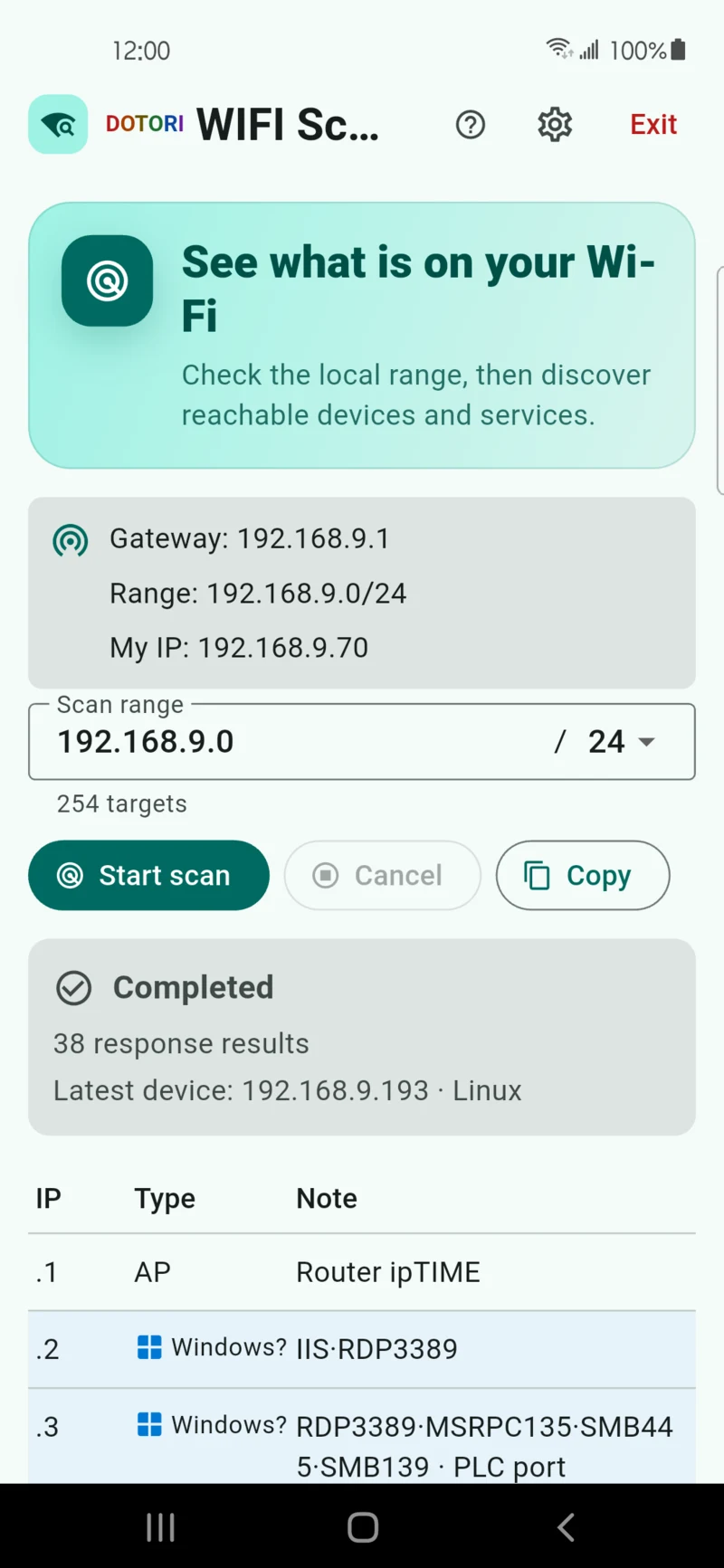
Sweeps the private subnet of the Wi-Fi you are on and identifies which devices answer, listing each as IP, kind and note. Built for the moment you walk into an unfamiliar site and need to know what is actually on the network before you touch anything.

What it does
Sweeps the subnet you are actually on
The scan range is normally derived from the Wi-Fi the phone is attached to. If it cannot be determined, you can enter a CIDR manually. Each device that answers gets a row: IP, kind, note.
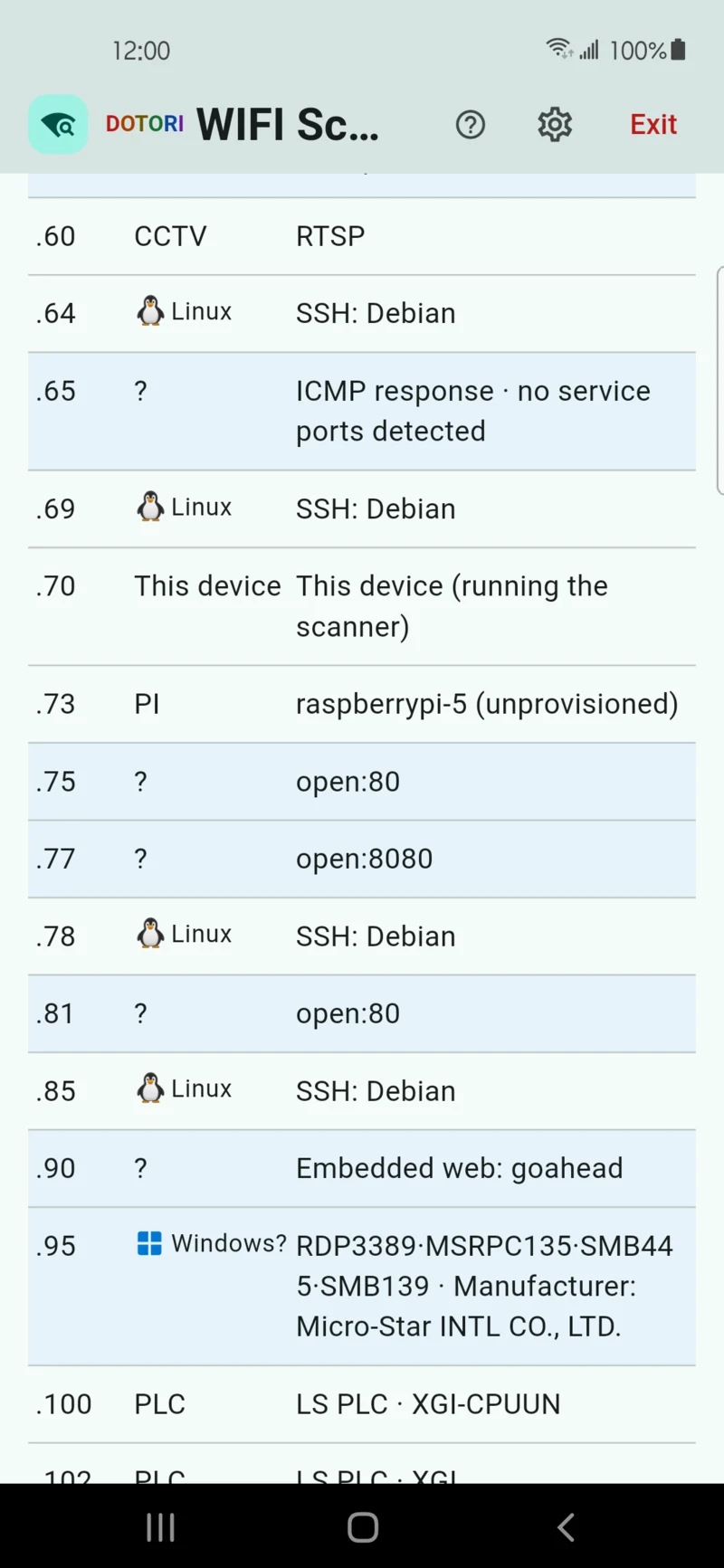
Identifies from what devices announce
mDNS, SSDP, WSD and NetBIOS responses, open ports and service banners, plus the manufacturer inferred from the MAC/OUI prefix.
Careful around industrial equipment
PLC ports are listed as candidates only. An identity query is a single read-only request sent to one address, and only after you approve that row. The app never writes to such equipment.
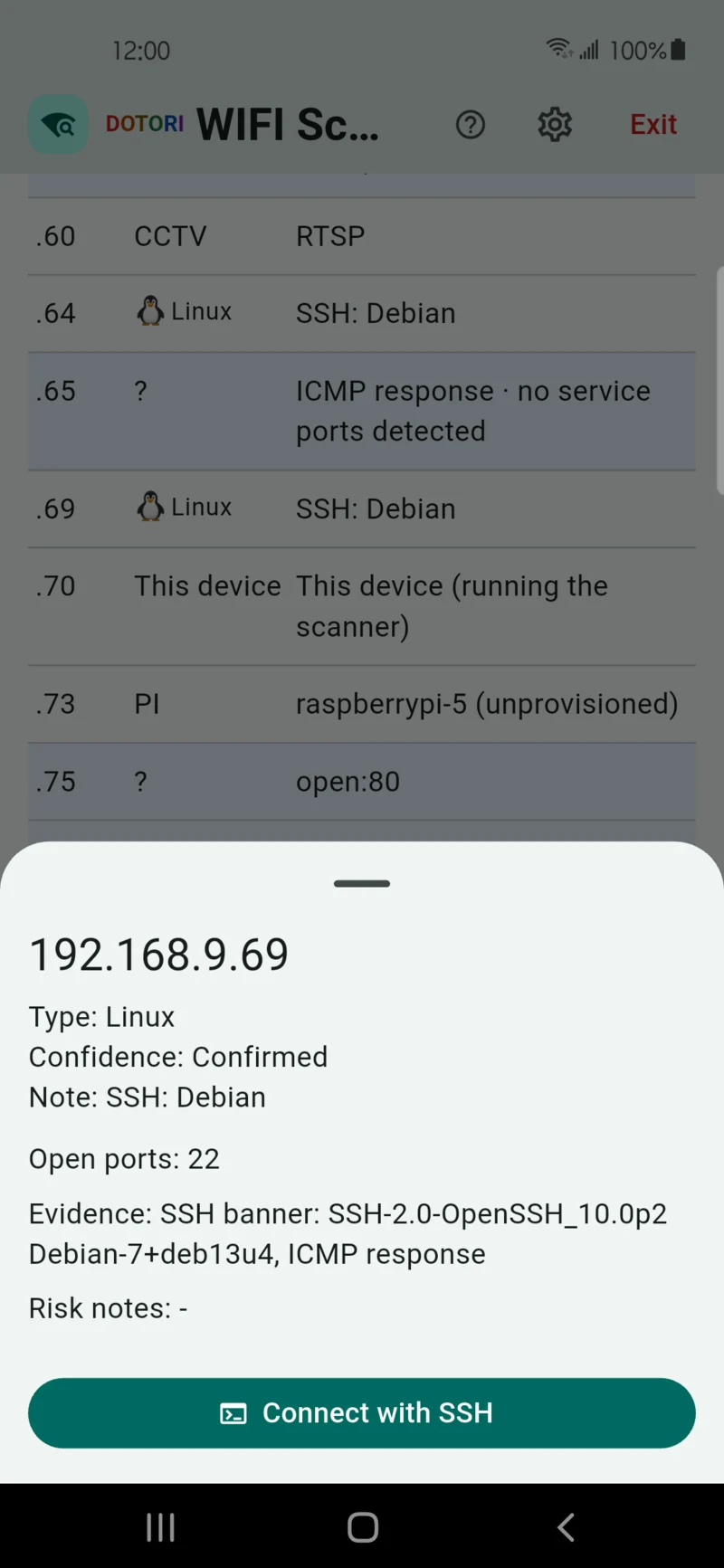
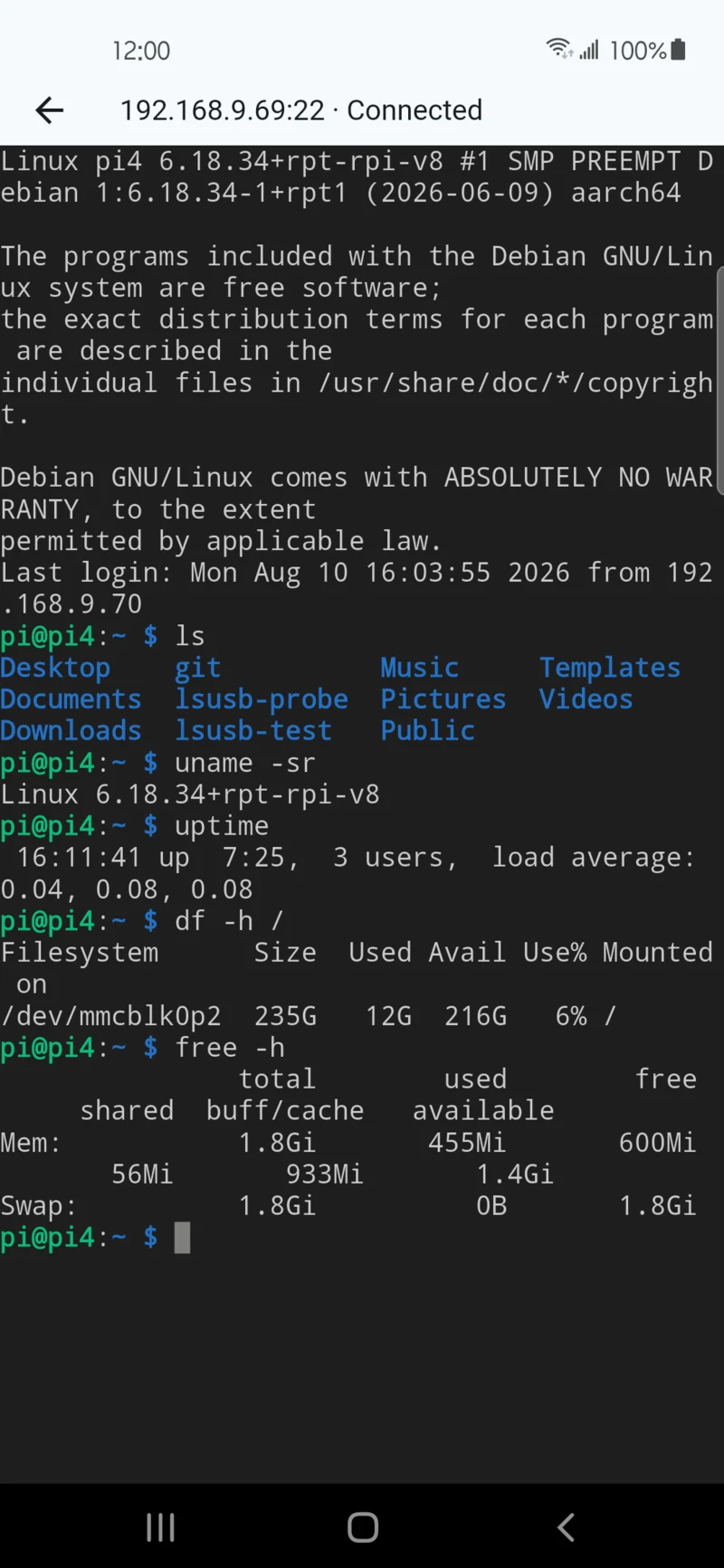
Hands off to SSH
A result row can be opened in Dotori SSH Terminal by deep link. The link carries the host and port only — never a username or password.
Screens
What the results depend on
A scan reports what answers, not what exists. VLANs, firewalls, client isolation and each device's own configuration all change the picture — a quiet result can mean a well-segmented network rather than an empty one. The app states what it observed and leaves the interpretation to you.
Two actions leave the app, and only when you choose them. CSV export copies the result text to your clipboard, and opening a device's web UI hands the selected local URL to your default browser.
Use it only on networks and equipment you own or are authorised to manage. Scanning a network you have no permission to touch is a problem regardless of which tool you use.
Requirements
| Platform | Android (Flutter) |
|---|---|
| Package name | com.droidactor.wifi_scout |
| Minimum Android | Android 9.0 (API 28) |
| Target Android | API 36 |
| Permissions | NEARBY_WIFI_DEVICES declared neverForLocation. No location permission at all. |
| Price | Free, supported by ads (Google AdMob) |
| Accounts | None. No sign-in, no registration. |
| Status | Published on Google Play — store listing |
Privacy
Scanning happens entirely between your phone and the local network it is attached to. Results — IP addresses, hostnames, open ports, device kind — are shown on screen and kept on the device. They are not uploaded anywhere and are never given to the advertising SDK.
Support
Bug reports, questions and feature requests go to droidactor@gmail.com. The phone model, Android version and what the device you expected to see actually is help most.