
Dotori Tuner & Metronome
com.droidactor.tuner
Tune your instrument and practice with a steady metronome. A chromatic and instrument tuner for guitar, ukulele, bass, violin, viola and cello, with every feature free.

A tuner that listens as soon as you open it
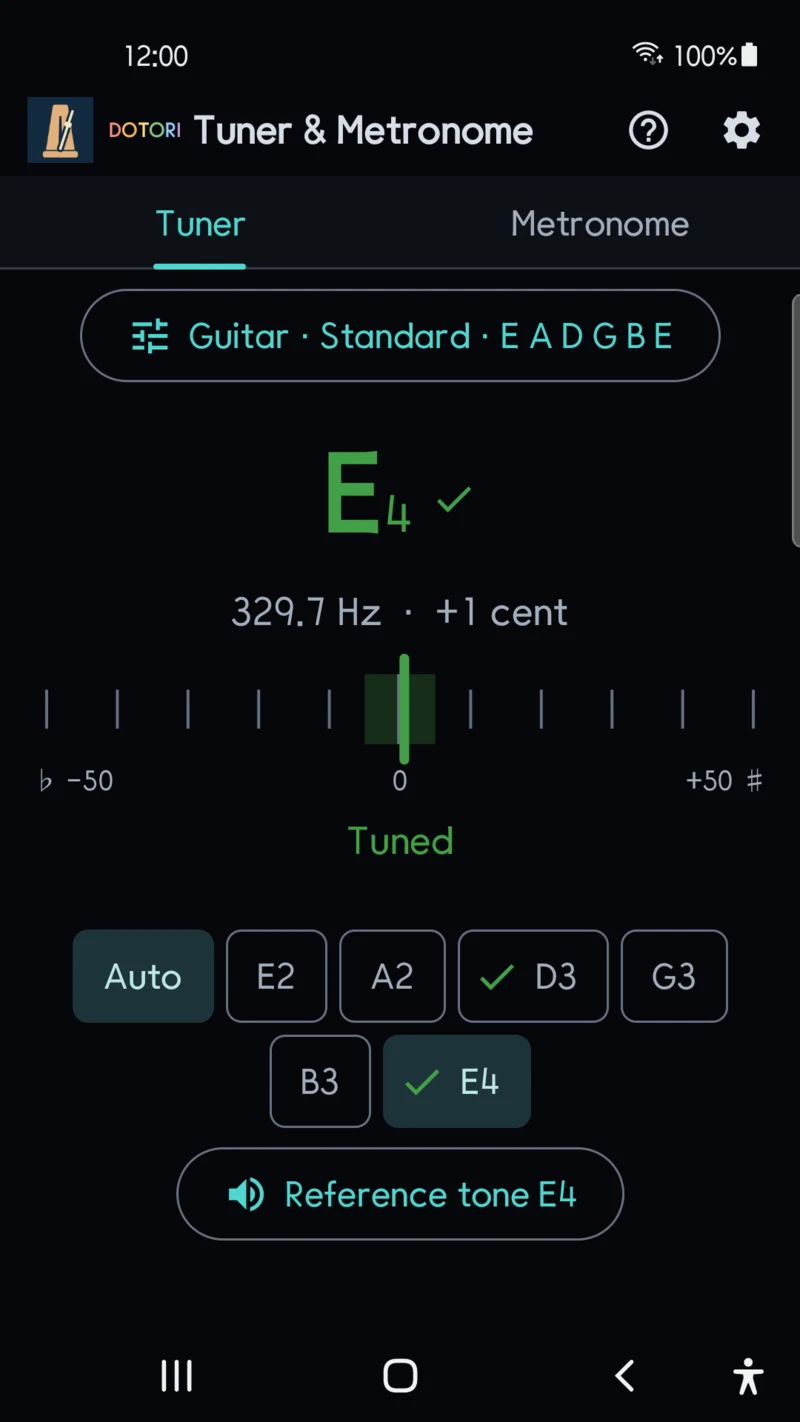
Open the app and it starts listening, showing the note to aim for and how far off you are in cents.
- Chromatic tuner: shows the nearest note name and octave for any note.
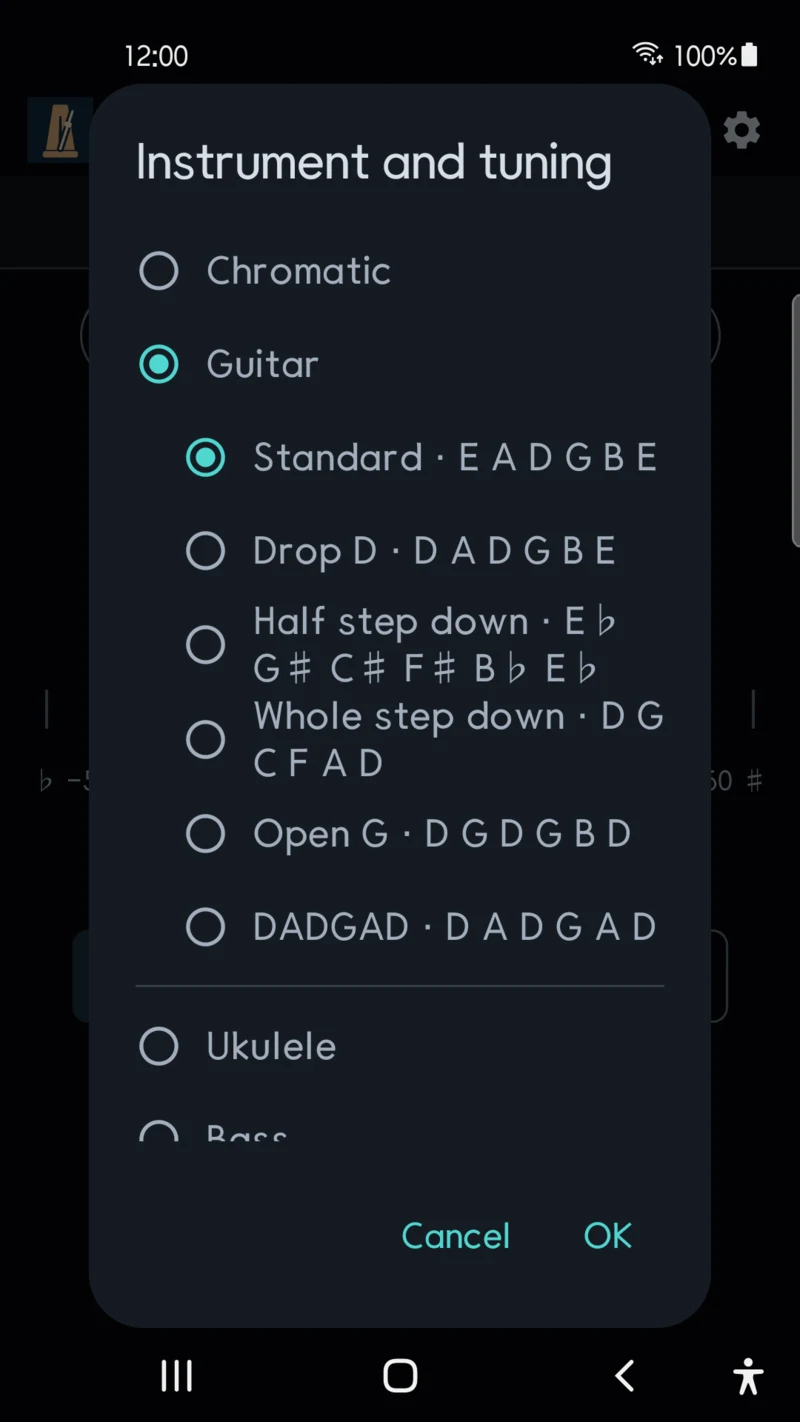
- Instrument tuner: guitar (standard, Drop D, half step down, whole step down, Open G and DADGAD), ukulele (standard, low G and baritone), 4- and 5-string bass, violin, viola and cello.
- Auto mode picks the string closest to what you play; tap a string to tune only that one.
- When the sound is too quiet, noisy, several notes at once or clipping, it tells you what to do instead of guessing a number.
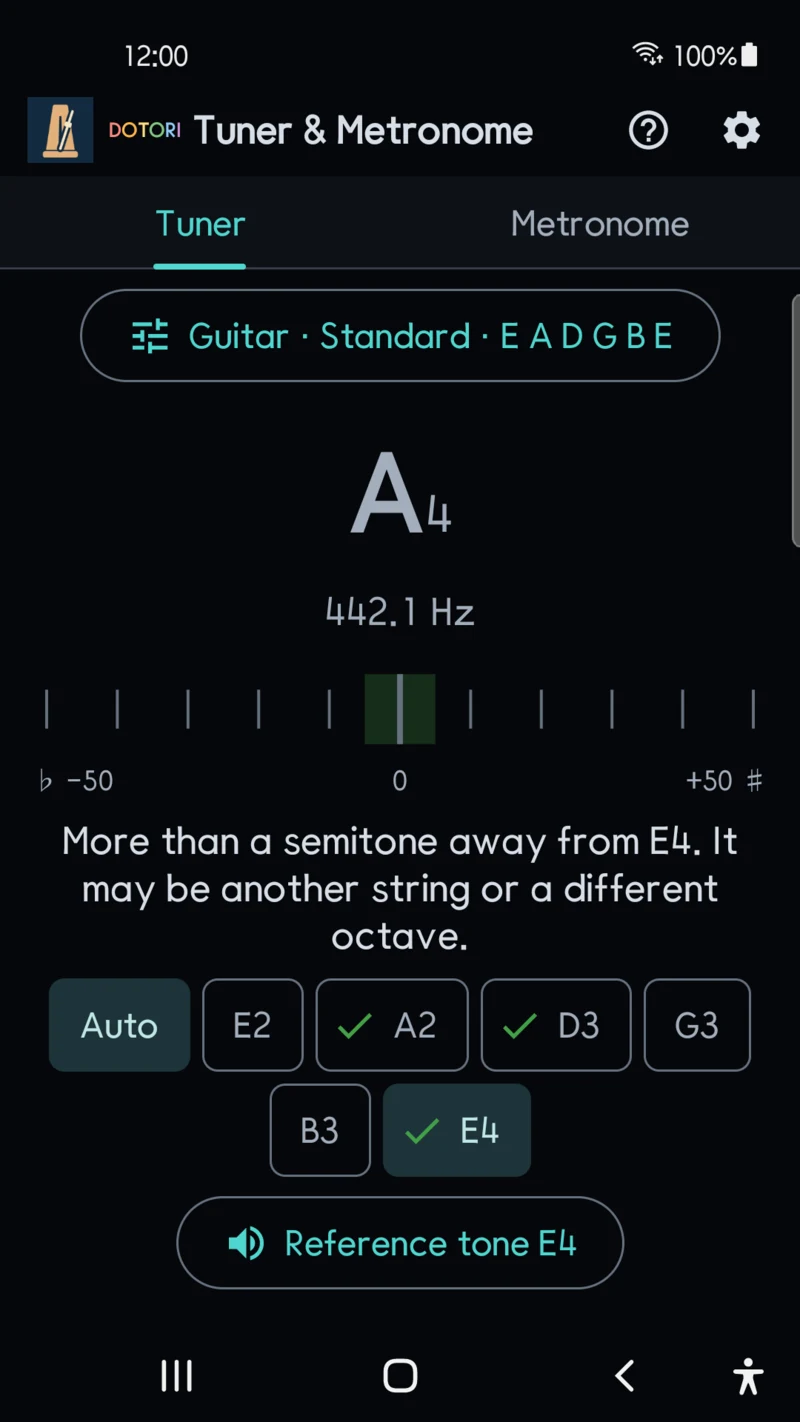
- If you are more than a semitone away from the chosen string, it shows the note it actually heard, with its octave, instead of telling you to tighten. Check that you are on the right string before turning the peg.
- Hold the note within ±5 cents for one second and a ✓ marks the string as tuned.
- The reference tone plays the target note so you can tune by ear.
- Settings: A4 reference (415–466 Hz), note names (C D E or Do Re Mi) and transposition for wind instruments (B♭, E♭ or F).
Screens
Practice metronome
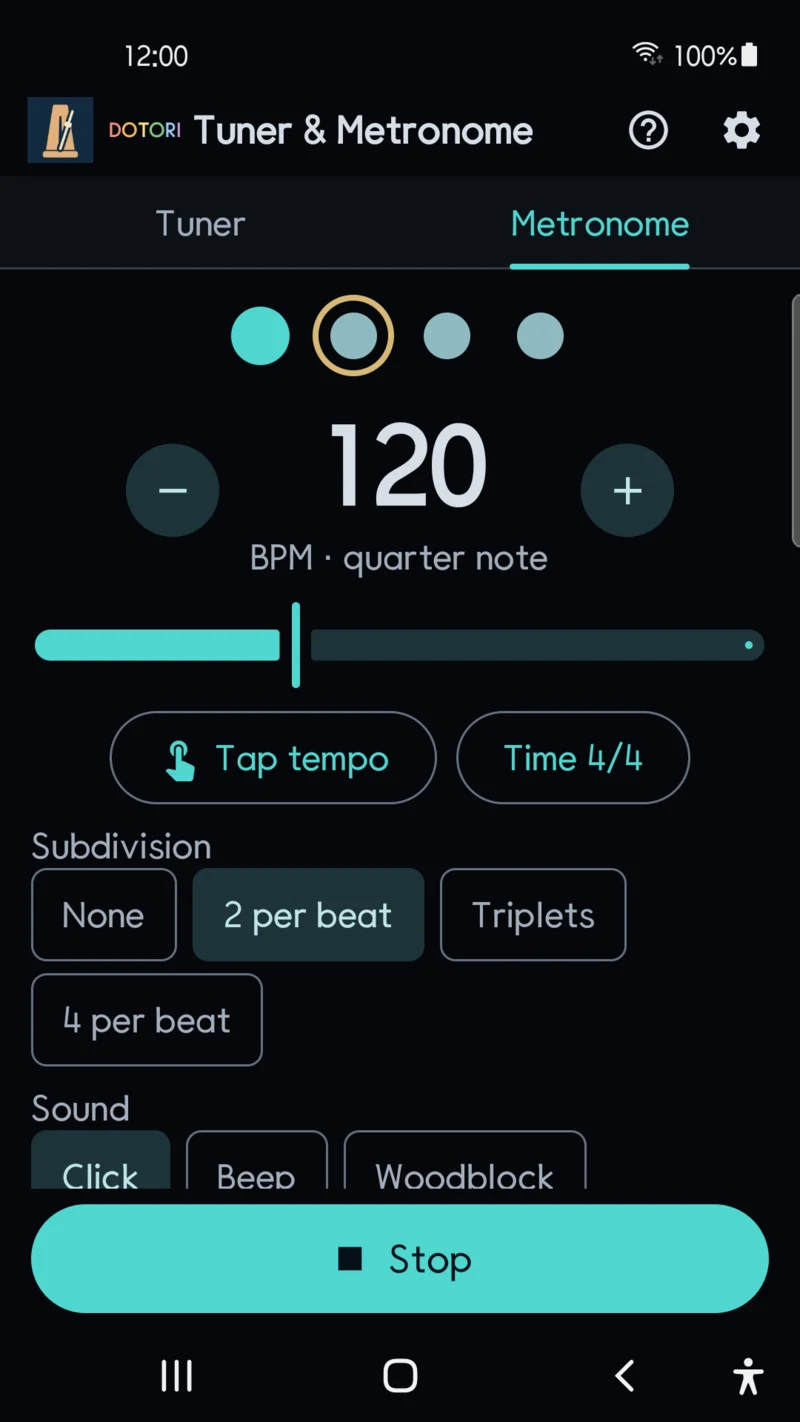
- Set 20–300 BPM with − and +, the slider or tap tempo.
- 14 time signatures (1/4–7/4, 2/2, 3/8, 5/8, 6/8, 7/8, 9/8 and 12/8), an accent for each beat (strong, normal, soft or silent), subdivisions (2, triplets or 4) and three sounds (click, beep and woodblock).
- Clicks are placed at exact sample positions in the audio, so the beat does not drift.
- Turn the sound off and follow the beat by vibration, screen flash or the flashlight.
Every feature free
Every feature, alternate tunings included, is free with no subscription, trial or payment screen. A banner ad is shown at the top of the screen, with advertising privacy choices where required. No account is needed.
Before you start and known limitations
- The metronome plays only while its screen is on. It stops when you leave the app or turn the screen off. Starting it with sound on pauses music playing in other apps.
- Readings depend on your phone's microphone and the noise around you. Play one note at a time close to the phone.
- The flashlight beat is offered only on phones with a camera flash. The metronome works without the microphone.
- Requires Android 8.0 or later.
Privacy
The microphone is used only while the Tuner tab is on screen. Sound is analyzed in memory on the phone to find its pitch and is never recorded, saved or sent. The flashlight beat turns on the camera LED without camera permission. Settings stay only in the app's private storage on this phone and are excluded from Android backup and device transfer. There is no developer account, server or cloud sync. Google AdMob/UMP and Play updates may use the network; under available privacy choices, the ad SDK may process IP-derived approximate location, ad interactions, diagnostics and device identifiers. Sound and settings are not sent to the developer or the ad SDK.