Dotori Music Notes
com.droidactor.musicalnote
Turn unaccompanied melody files or recordings into editable sheet music drafts on your phone, compare playback with the original audio, and export MIDI, MusicXML or PDF.

Screens
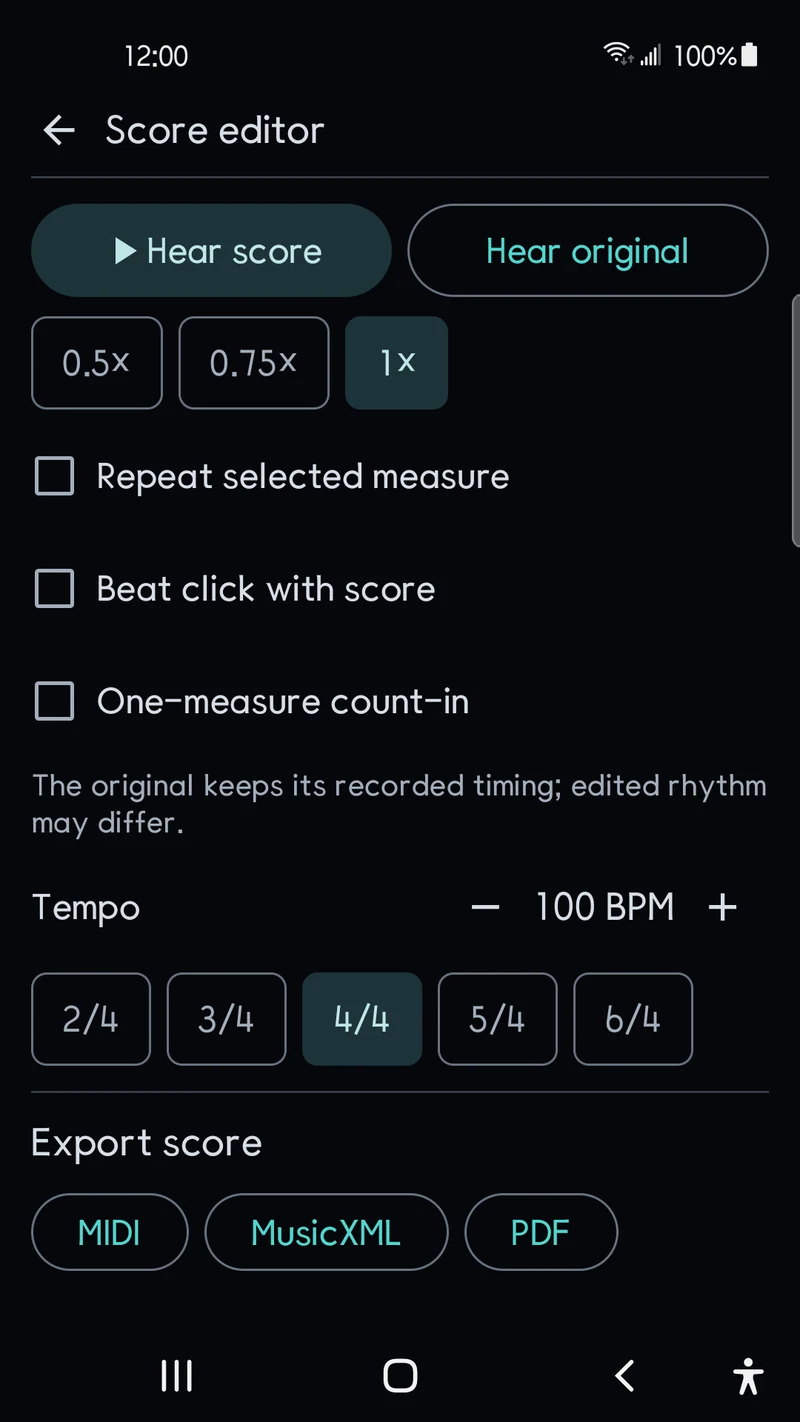
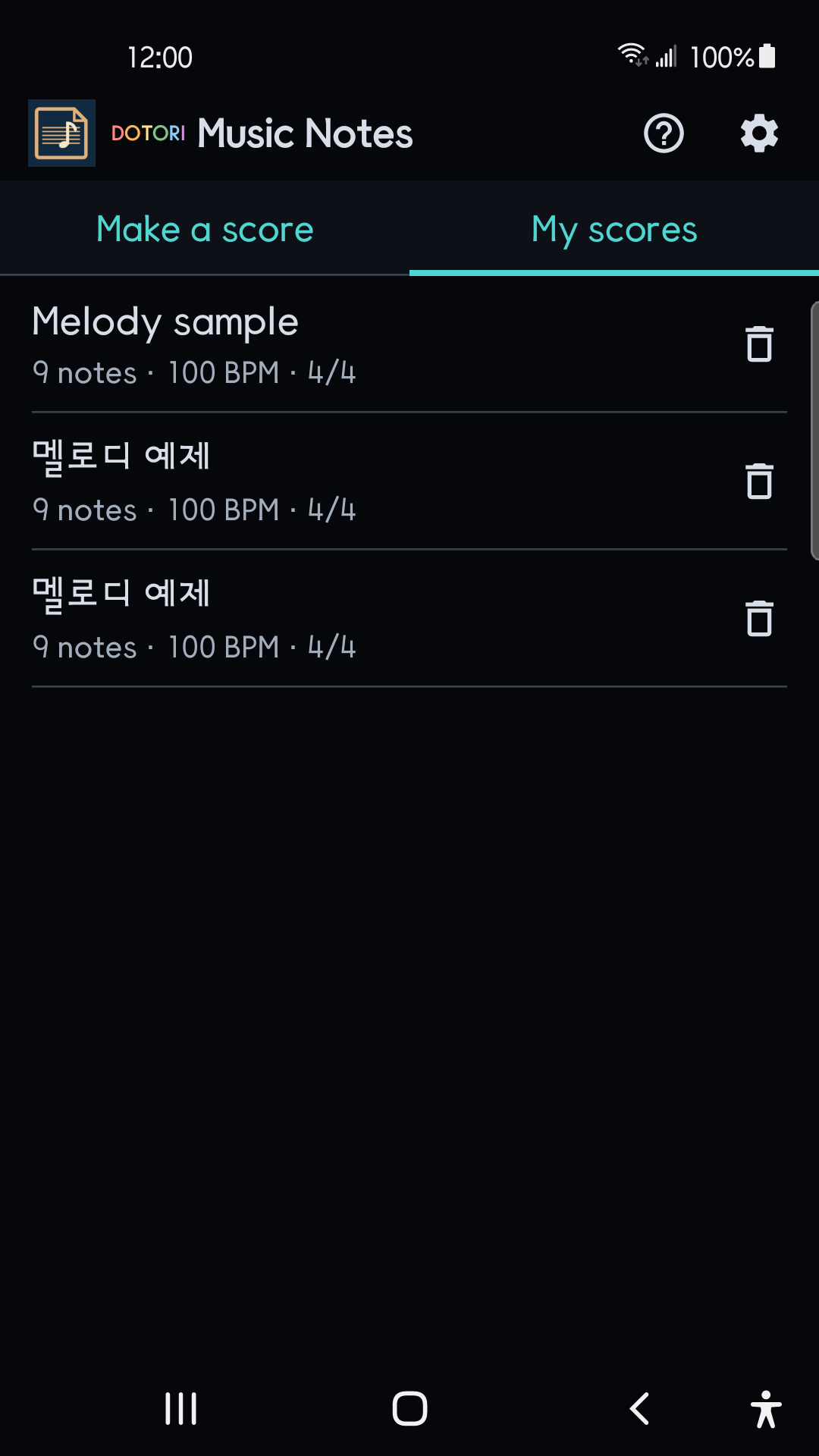
Monophonic melody drafts on your device
Designed to help you get a starting score draft quickly and fix what automatic detection misses while listening to the original audio. Available on Google Play.
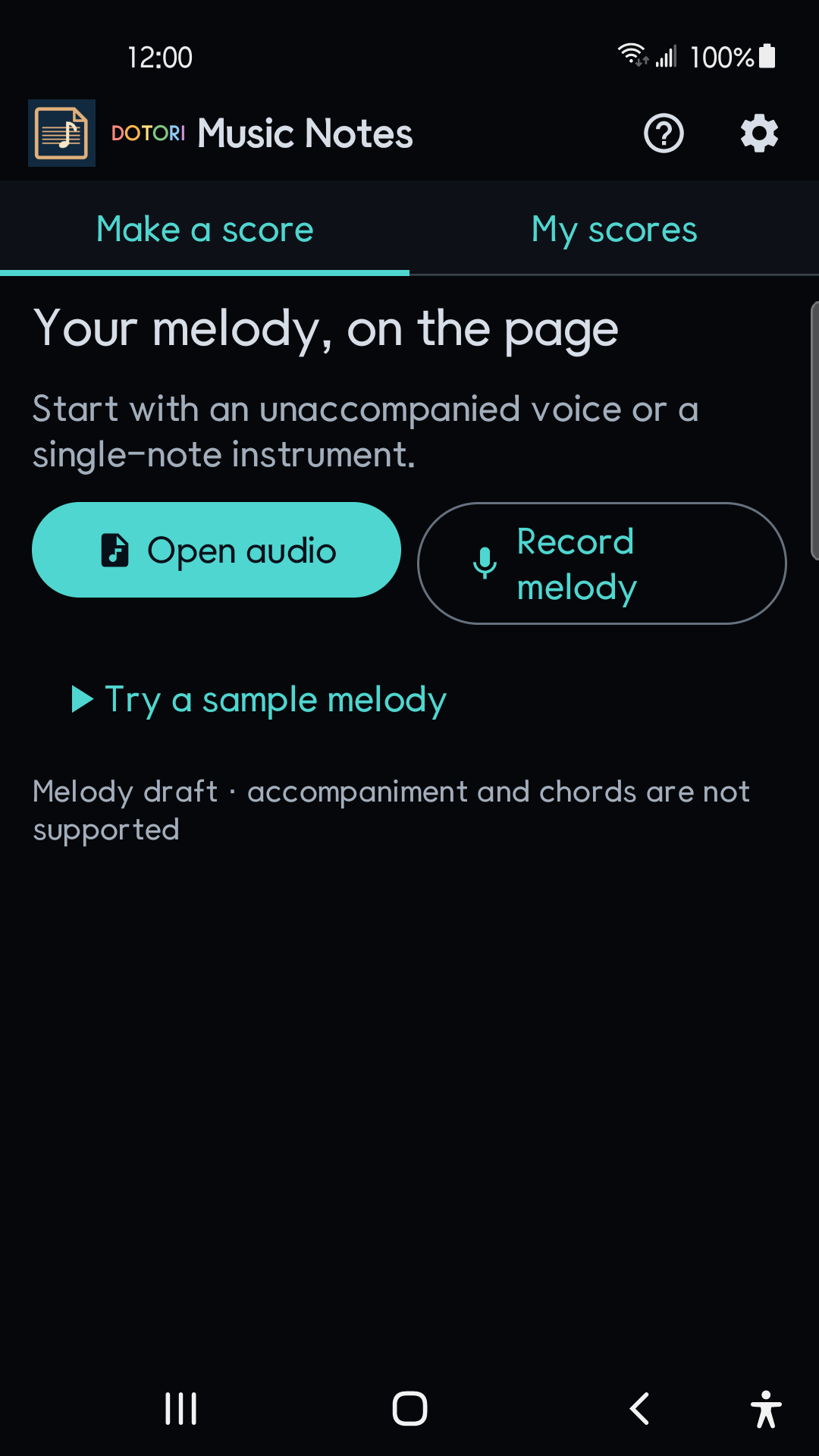
- Audio file import: choose an audio file supported by your phone's decoder (such as MP3, M4A or WAV) through Android's document picker or share sheet. Files up to 100 MB are copied into app-private storage so saved projects can be replayed even if the original file URI is revoked.
- In-app recording: microphone access is requested only when you explicitly start a recording, and recordings are saved as private WAV files inside the app.
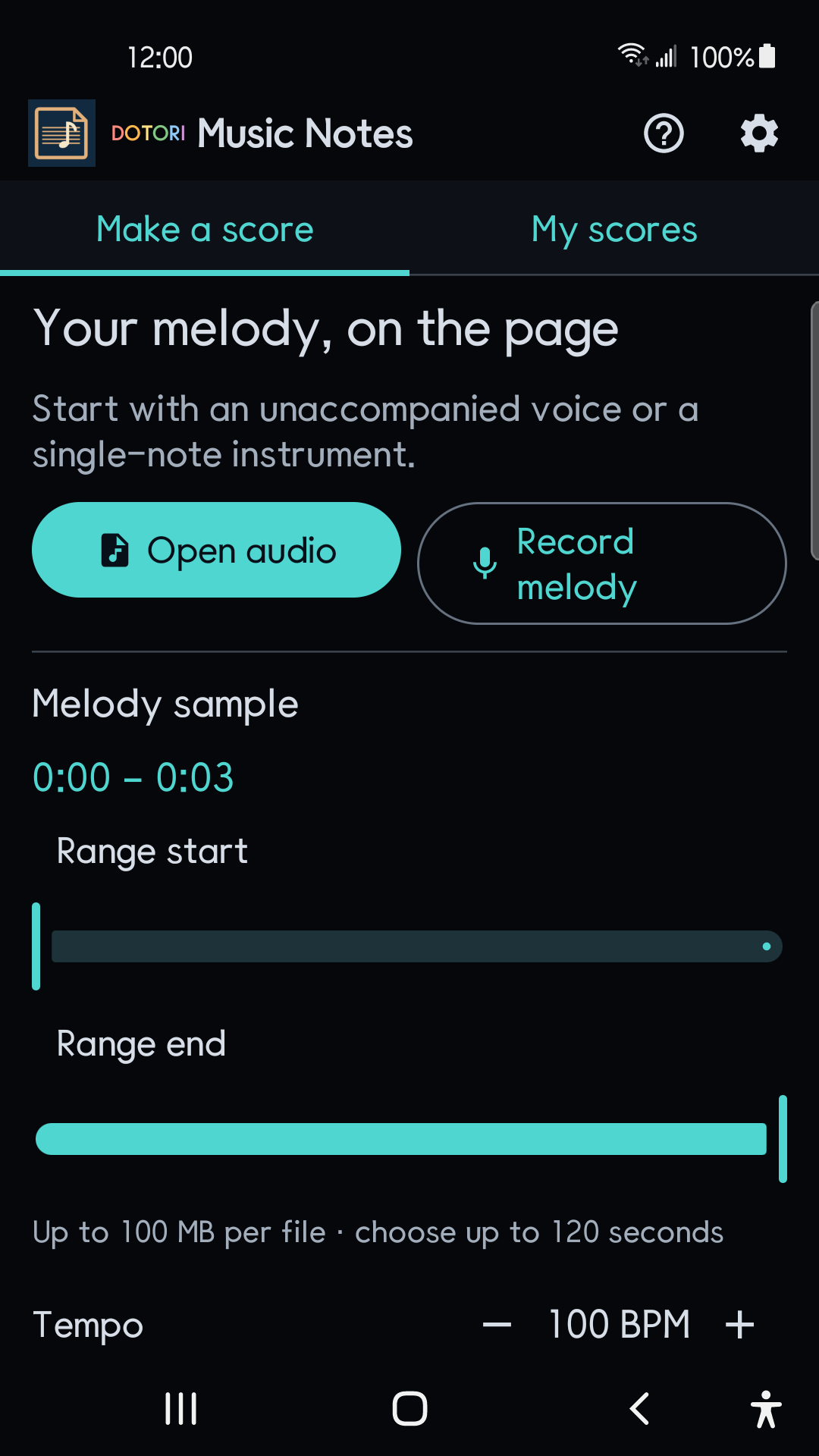
- Interval and grid controls: pick an interval of up to 120 seconds, set tempo (40–240 BPM) and time signature (2/4–6/4) manually, and run on-device monophonic DSP analysis to build a draft on a sixteenth-note grid.
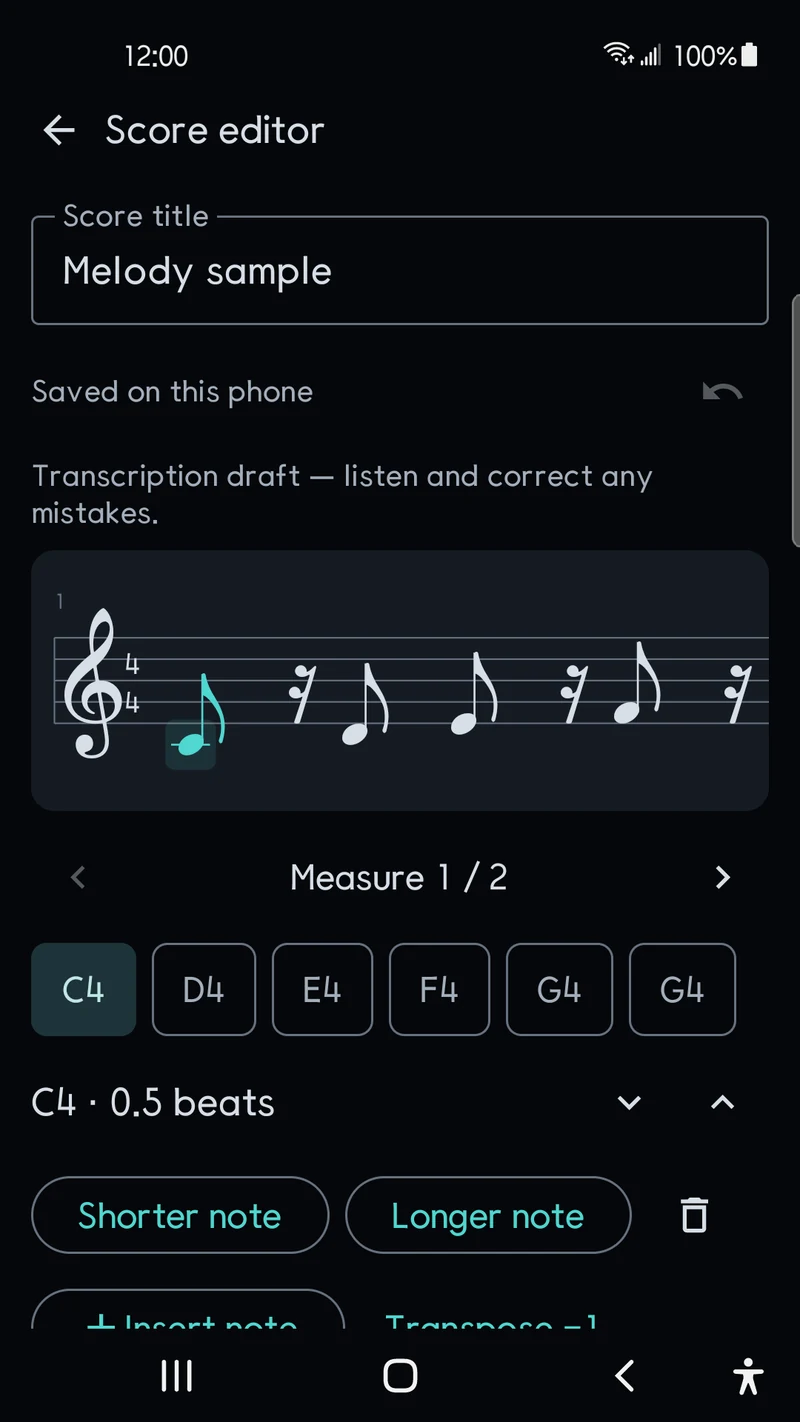
- Score editing: select notes, change pitch and duration, insert or delete notes, undo edits, transpose the whole score by semitones, and edit the title, BPM or time signature.
- Practice and comparison playback: switch between synthesized score playback and the original audio, slow down playback, loop selected measures, and use a score-linked click and count-in.
- Local storage and export: keep projects in app-private storage and export MIDI, MusicXML or PDF to any location you pick with Android's document creator.
Separate from Dotori Tuner & Metronome
Dotori Tuner & Metronome focuses on live single-note tuning and a standalone practice metronome. Dotori Music Notes focuses on transcribing melodies into score drafts, editing notes, comparing playback and exporting files.
Every feature free
All features are free with no account, subscription or in-app purchase. A banner ad is shown at the top of the screen (with a G content rating request), and advertising privacy choices are offered where required.
Before you start and known limitations
- Unaccompanied single-note melodies only. Mixed songs, chords, polyphony, multi-instrument full scores, automatic chord extraction and lyrics recognition are not supported.
- Automatic transcription does not produce a guaranteed final score. Room noise, overtones, vibrato or uneven tempo can cause missed notes, octave jumps or rhythm errors; review and edit the draft against the original audio.
- Tempo (40–240 BPM) and time signature (2/4–6/4) are set manually rather than claimed as automatic estimates.
- Recording and playback stop when you leave the app screen.
- Requires Android 8.0 or later. Devices without a microphone can still transcribe audio files and edit scores.
Privacy
Imported audio (up to 100 MB), recorded WAV files, saved score projects and settings stay in app-private storage on your phone and are excluded from Android auto backup and device transfer. Microphone permission is requested only when you choose Record, and recording and playback stop when you leave the app screen. Audio and scores are never sent to a developer server or the advertising SDK. Exported MIDI, MusicXML and PDF files are written to the location you choose in Android's document picker and remain there until you delete them. Google AdMob/UMP, Play updates and signed static operational notices from droidactor.github.io may use the network; under available privacy choices, the ad SDK may process IP-derived approximate location, ad interactions, diagnostics and device identifiers.