
Dotori Pedometer
com.droidactor.pedometer
Today’s steps, at a glance. Check the last seven days and turn automatic recording on or off.
Today’s steps
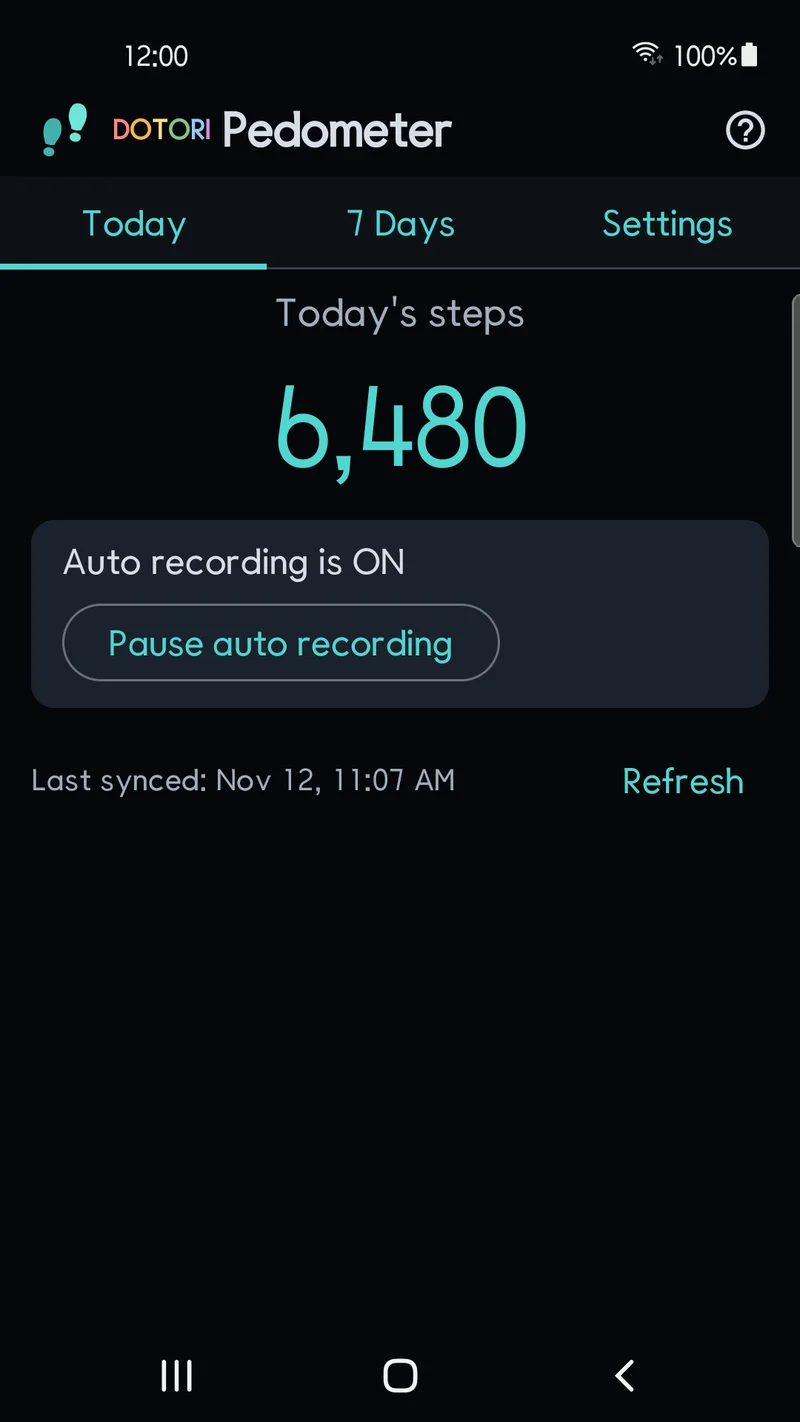
Open the app to see today’s step count in large numbers, with the current recording status on the main screen. Automatic recording is on by default; it starts once physical activity permission is granted on a supported device.
Pause or resume automatic recording from the main screen or in Settings. Both controls use the same setting. Before recording is turned off, the app reads available unsynced step history into local storage, and records you already saved stay.
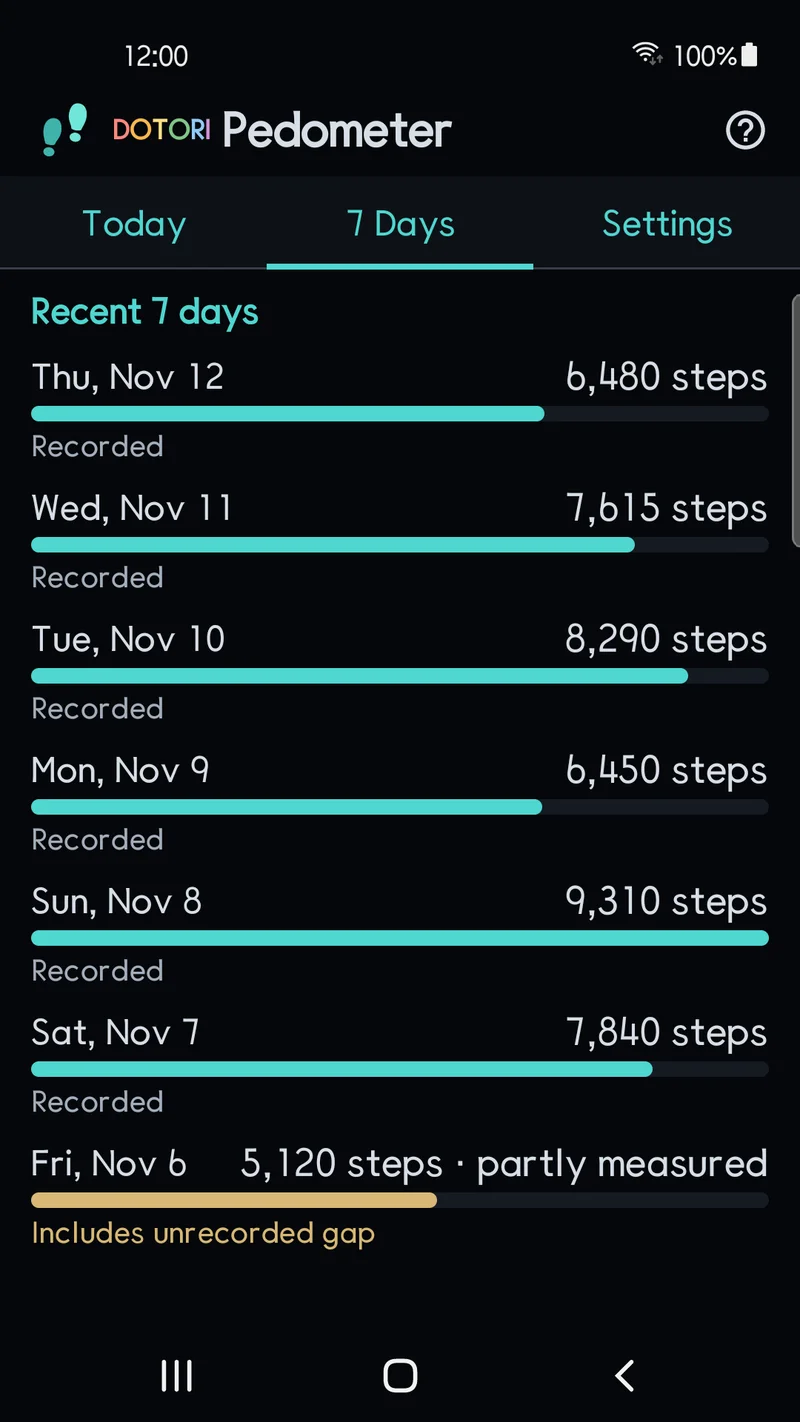
Recent seven days
Review daily step counts for the last seven days. Notices mark the first recording day and days with recording gaps or partial measurements, so a short day is not mistaken for a full one.
Screens
Simple settings
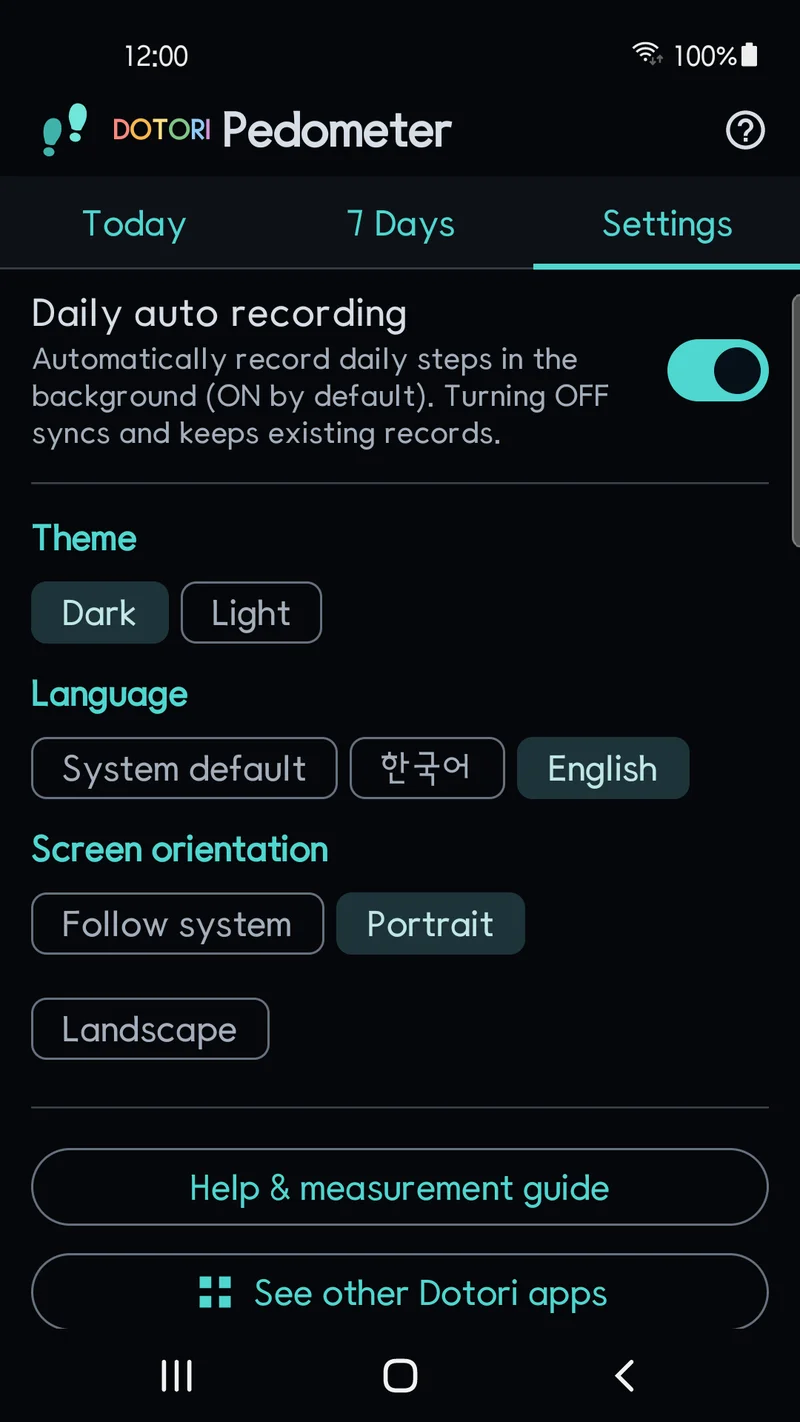
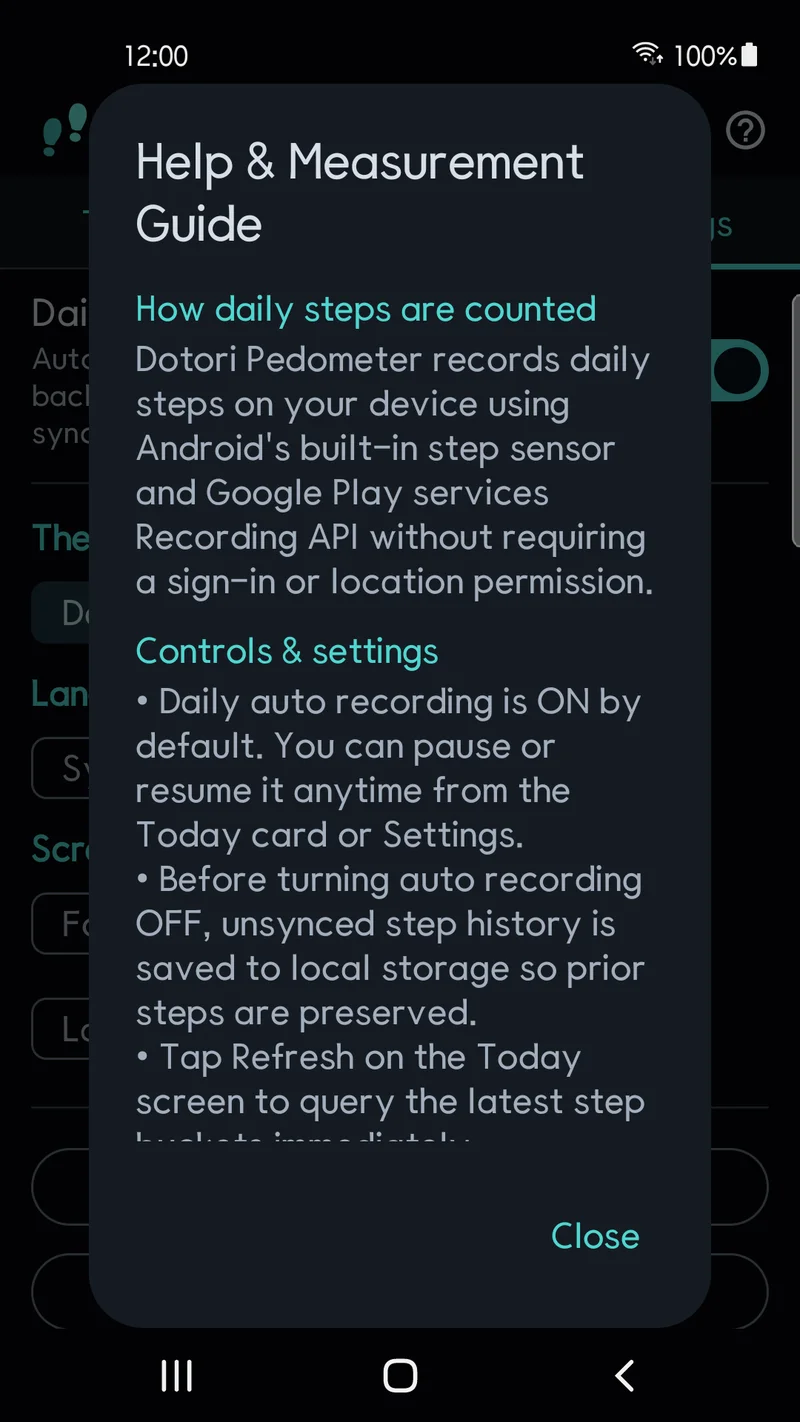
Choose a light or dark theme, follow the system language or pick English or Korean, and follow the system screen orientation or pick portrait or landscape. Help, app update checks and advertising privacy options are in Settings.
Requirements and limits
Recording needs compatible step sensors, supported Google Play services and, where Android requires it, physical activity permission. The first day includes only the period after recording begins. Counts can update with a delay and can differ from the steps you actually take.
Gaps can occur when permission is removed, recording is paused, or device and Google Play services restrictions prevent collection or history retrieval. Google Play services keeps up to ten days of history, so history that expires before the app saves it may be unavailable. Reboot, force stop and battery-saving behavior vary by device. Step counts and uninterrupted recording are not guaranteed.
Details
| Status | In development — not yet released on Google Play |
|---|---|
| Android | 8.0 or later |
| Recording | Recording API on mobile in Google Play services (on-device, no account) |
| Storage | On-device only (Android automatic cloud backup and device-to-device transfer excluded) |
| Advertising | One banner placement on the main screen |
Privacy
No account, sign-in or location permission is needed. Step history is processed on your device and is not uploaded to a developer server or added to ad requests. A Google AdMob banner on the main screen may process advertising data under the available privacy choices.