https://play.google.com/store/apps/details?id=com.droidactor.morse
In short. Write three dots, three dashes and three more dots. SOS looks familiar on paper. Hearing the signals or pressing them yourself feels different.

Dotori MorseRead Morse from sound, taps and text.

Dotori Morse brings those inputs together on Android. Paste dots and dashes, press the screen key, or read a steady Morse tone. Settings offers International Morse, Korean Morse and Japanese Wabun. Compare the original signals with the decoded message.
Start with dots and dashes you already have
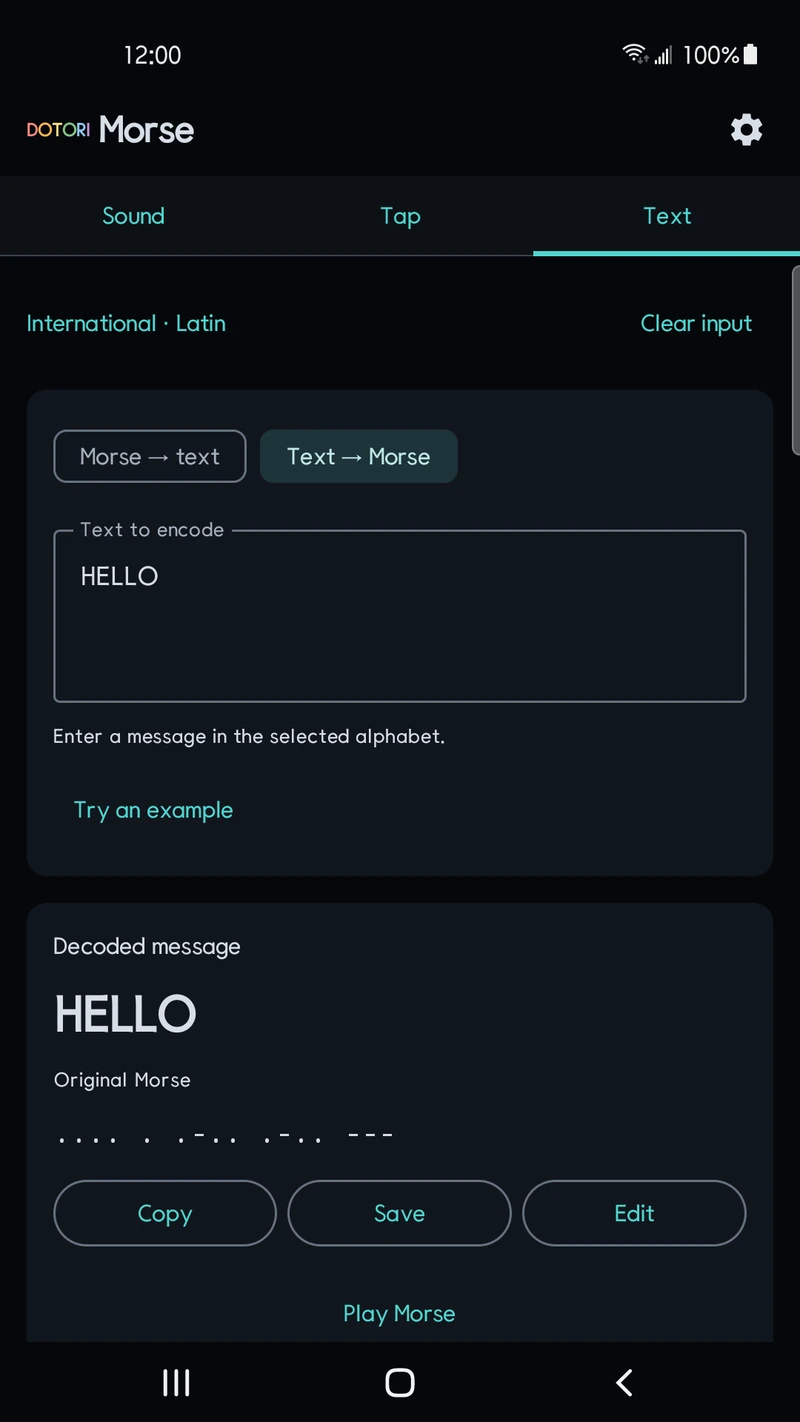
Use the Text screen for a code from a puzzle or a note. Separate letters with spaces and words with /. Try ... --- ... for SOS.
You can also convert supported characters into Morse. Try a short word, inspect its code, then decode it again. Compare letters and signals without copying each symbol from a chart.
Press the screen to enter short and long signals
The Tap screen reads how long you hold its key. Use short and long presses, finish a letter, and add a word space. Undo removes the last dot or dash if you make a mistake.
The unfinished letter appears as signals at the end of the result. You can watch it develop while entering the next signal. Adjust the dot duration in Settings to suit your pace.
Choose the input that matches what you have:
- Paste existing dots and dashes into Text.
- Press the screen key to practise entering signals yourself.
- Use the microphone or a supported WAV file for a steady Morse tone.
Tapping a desk is different from pressing the screen. The Tap screen measures your finger's contact with the key; it does not listen for impact sounds.
Read a steady tone with the microphone or WAV input
The Sound screen listens through the microphone or opens a supported PCM WAV file. Automatic frequency search and manual controls help you match the tone and speed. Noise and input conditions affect the result.
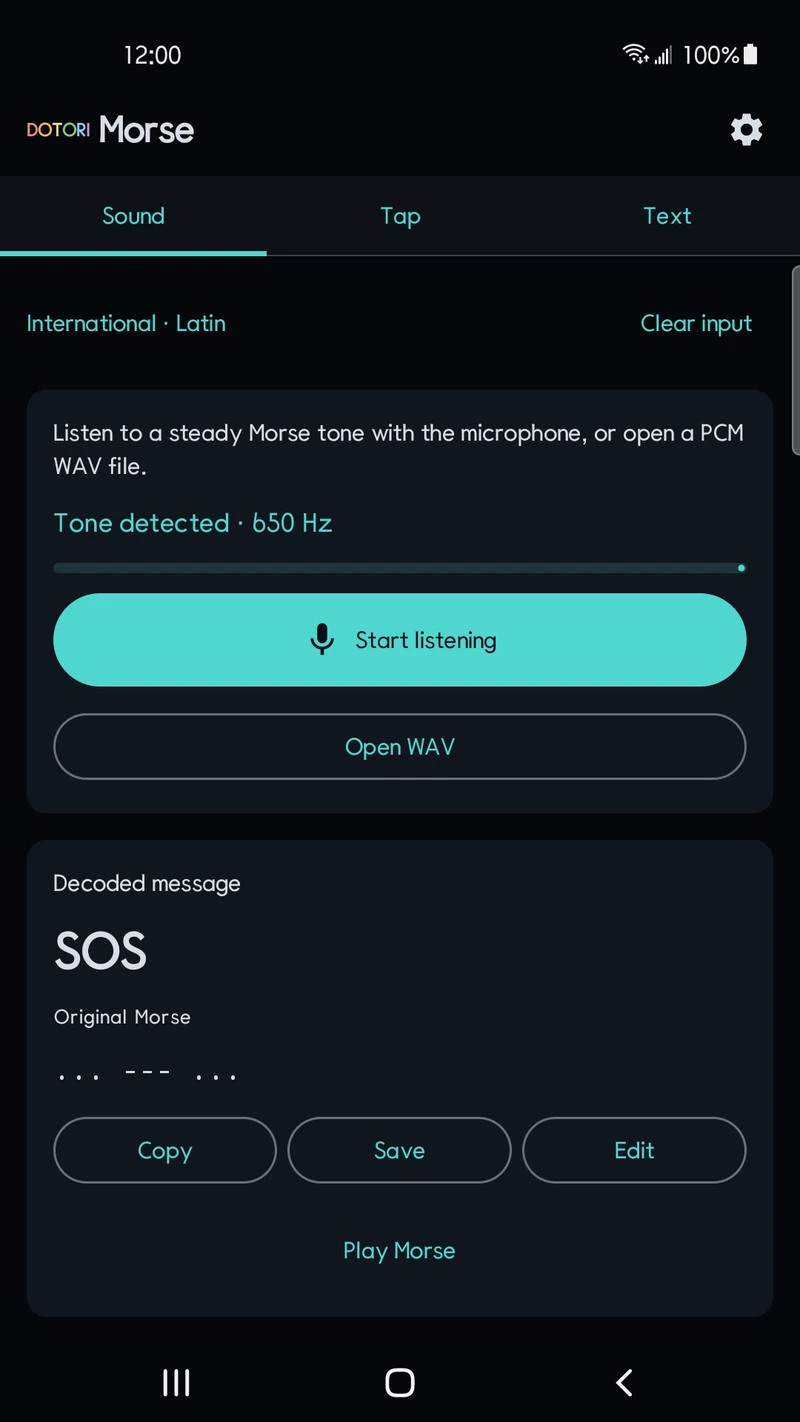
This input is for steady Morse tones. It does not transcribe speech or arbitrary impact sounds. MP3, video and compressed WAV files are not supported. The microphone runs only while the app is visible. Raw microphone audio is not saved as a recording or uploaded.
Select the codebook separately from the menu language
Settings offers International Morse, Korean Morse and Japanese Wabun. The interface language does not choose the codebook for you. English menus work with Korean Morse. Korean menus also work with International Morse.
Korean syllable boundaries can be ambiguous. Inspect the original signals, received jamo and alternative readings together. Small Japanese kana are normalized to large kana, losing their original size. An edited message stays separate from the original input for later comparison.
Copy the result, play Morse tones, or save up to 30 recent records on the device. Decoding needs no account. Ads may appear; advertising data is separate from your input and decoded messages.
Try a short message first
Enter ... --- ... on the Text screen and select International Morse. Then compare the same signals using screen presses or sound input. Dotori Morse is an independent utility, not an emergency service.
Get Dotori Morse on Google Play
Dotori Morse lets you compare the original signals with the decoded message. More about Dotori Morse